
Guide • The WMS success guide

How to choose the right WMS for your warehouse

A WMS is a decision you live with for years, not a tool you swap out next quarter. This guide walks you through the questions that actually decide whether it pays off.
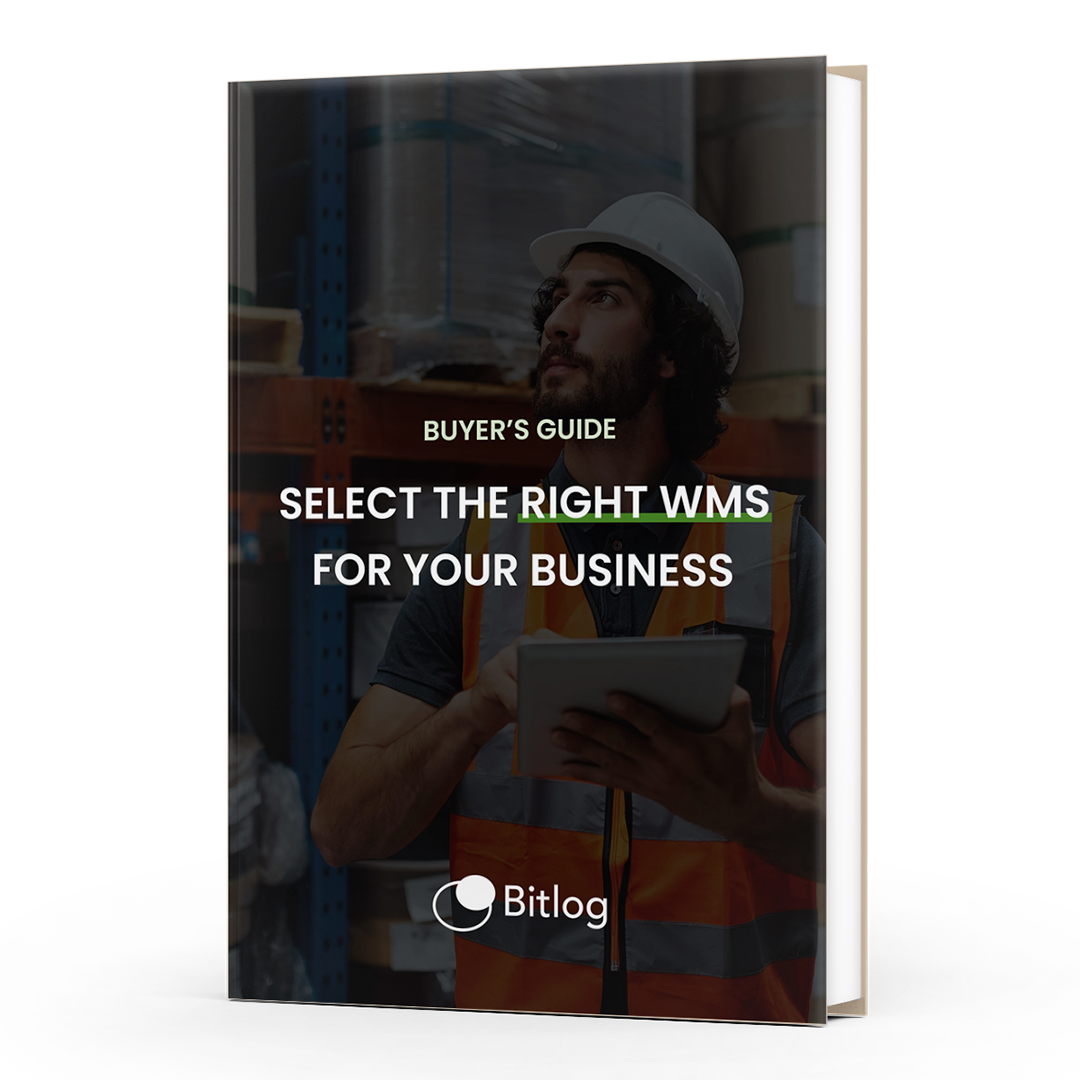
buyer-guide-bitlog wms
learnings

Takeaways from the guide

A practical, jargon-free walkthrough of the choices that shape a WMS decision, plus the questions to ask every vendor before you sign.

1

Where you stand now

Start with your operation, not the feature list. The right WMS is the one that fits where your warehouse is today and where it needs to be in three years. The guide gives you a five-step maturity scale to place yourself, so you're comparing systems against your reality instead of someone else's demo.

2

Build or Buy

For most warehouses, buying a standard system wins on cost, speed, and the upgrades you get for free. Building in-house only makes sense when your process is genuinely unlike anyone else's, and even then the maintenance bill outlives the excitement. The guide lays out both cases.

3

Your TCO

Total cost of ownership (TCO) is the full cost of a WMS over its life: licenses, implementation, integrations, upgrades, support, and the internal time it all takes. The sticker price is rarely the biggest number. The guide includes examples of where the money goes before it's your money.

What's inside

A practical, jargon-free walkthrough of the choices that shape a WMS decision, plus the questions to ask every vendor before you sign.

filter_1

Where your warehouse sits today

A five-step maturity scale to place your operation, and to picture where the right system should take it next.

filter_2

Build or buy?

The honest trade-offs of building a custom system in-house versus investing in a standard one.

filter_3

Cloud or on-premise?

What each choice really costs you later, not just on day one.

filter_4

Standard or custom?

Where configuration ends and expensive customization begins.

filter_5

Upgrades

Who does the work, who pays for it, and how to avoid getting stuck on an old version.

filter_6

Integrations

How a WMS should sit alongside your ERP and the rest of your stack.

filter_7

Automation

What to get right before you add robots, not after.

filter_8

Additional functionality

The modules worth paying for, and the ones that just pad a quote.

filter_9

Total Cost of Ownership

Real total cost of ownership examples. Actual worked numbers, not a sales estimate.

written by

Greetings from someone who's made the decision from both sides

"With over 25 years in software, in roles from system engineer and ERP consultant to CTO, developer, system designer, and project manager, I've seen what works and what doesn't when it comes to buying a WMS. It was a pleasure to put this guide together for you."

Fred Boström, CPTO & Founder, Bitlog

fred-bostrom-swirl