Video
Webinar Demo of Bitlog WMS
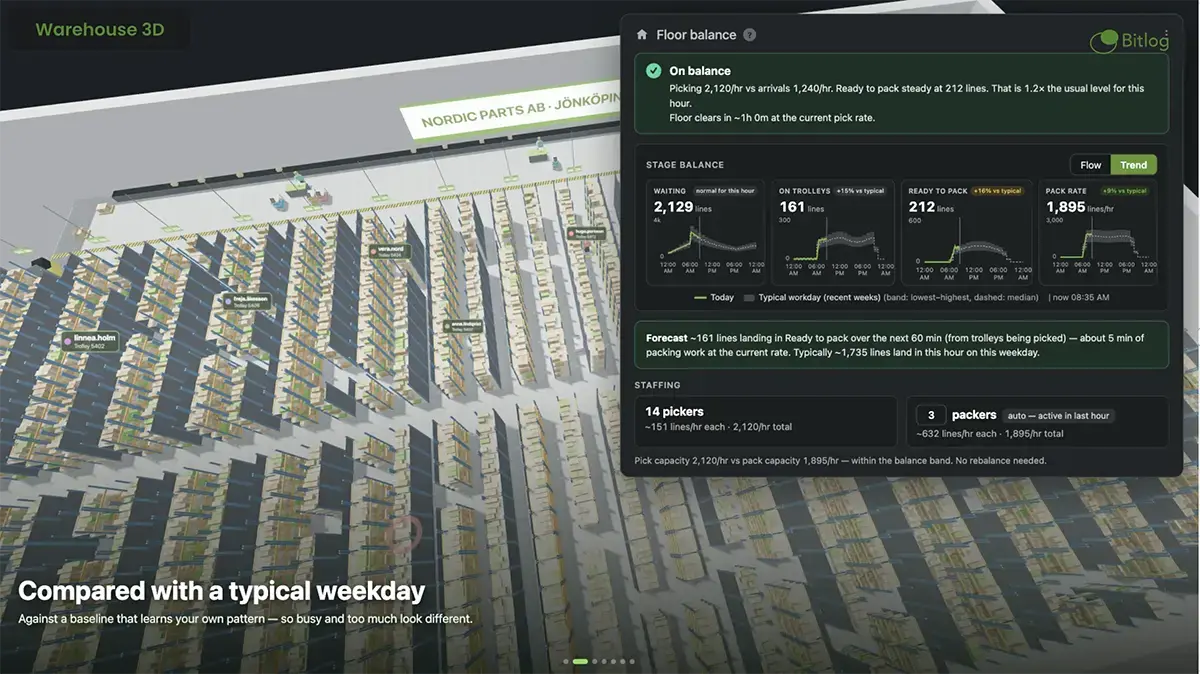
Most warehouses still plan the day in a spreadsheet and find out about the bottleneck when the orders are already late. Bitlog WMS works the other way around.
Play videoDownload guides, checklists and access webinars and tools designed to help your warehouse succeed.

Filter by category to find exactly what you need.
play_circle
Video
Most warehouses still plan the day in a spreadsheet and find out about the bottleneck when the orders are already late. Bitlog WMS works the other way around.
Play video arrow_forward

book
Guide
lock
Learn how to pick the right WMS for your warehouse.
Download arrow_forward
play_circle
Video
You have Business Central - here's how you get full warehouse effect.
Play video arrow_forward
book
Guide
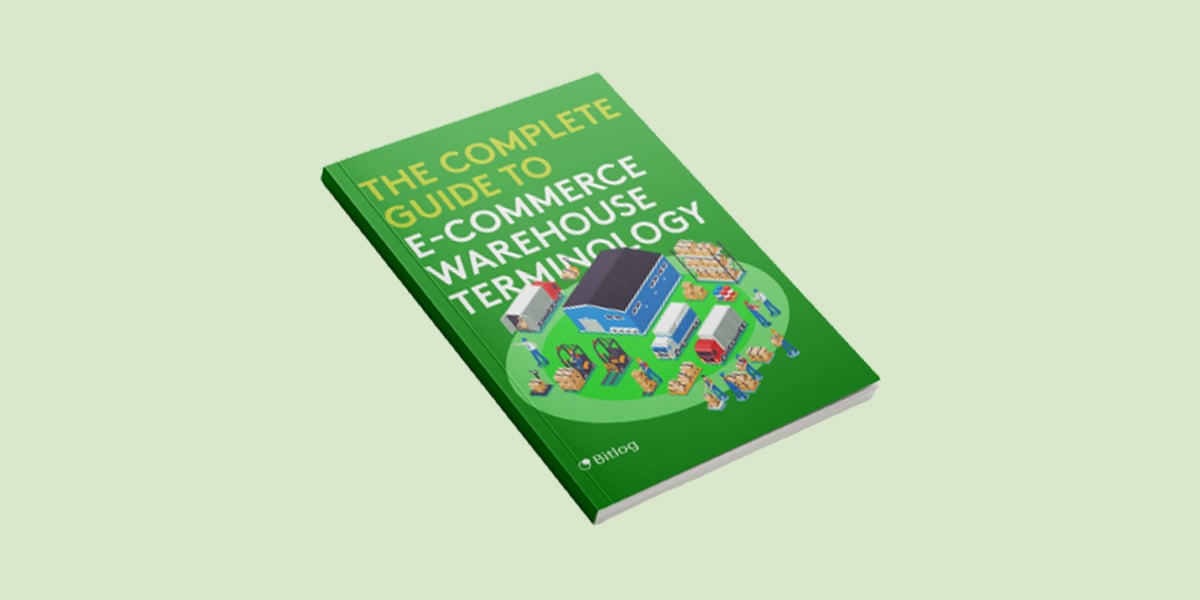
The most commonly used picking methods in Bitlog WMS.
Open PDF arrow_forward
insert_chart
Infographic
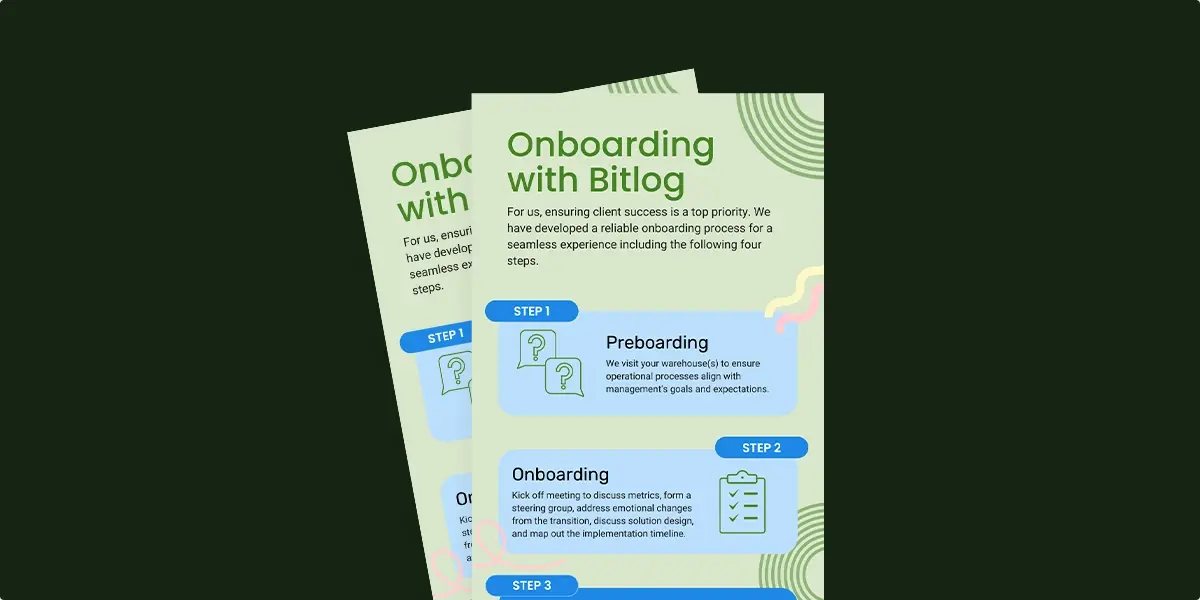
Simplified onboarding overview when picking Bitlog WMS.
Open PDF arrow_forward
description
Whitepaper
Learn how to pick the right WMS for your warehouse.
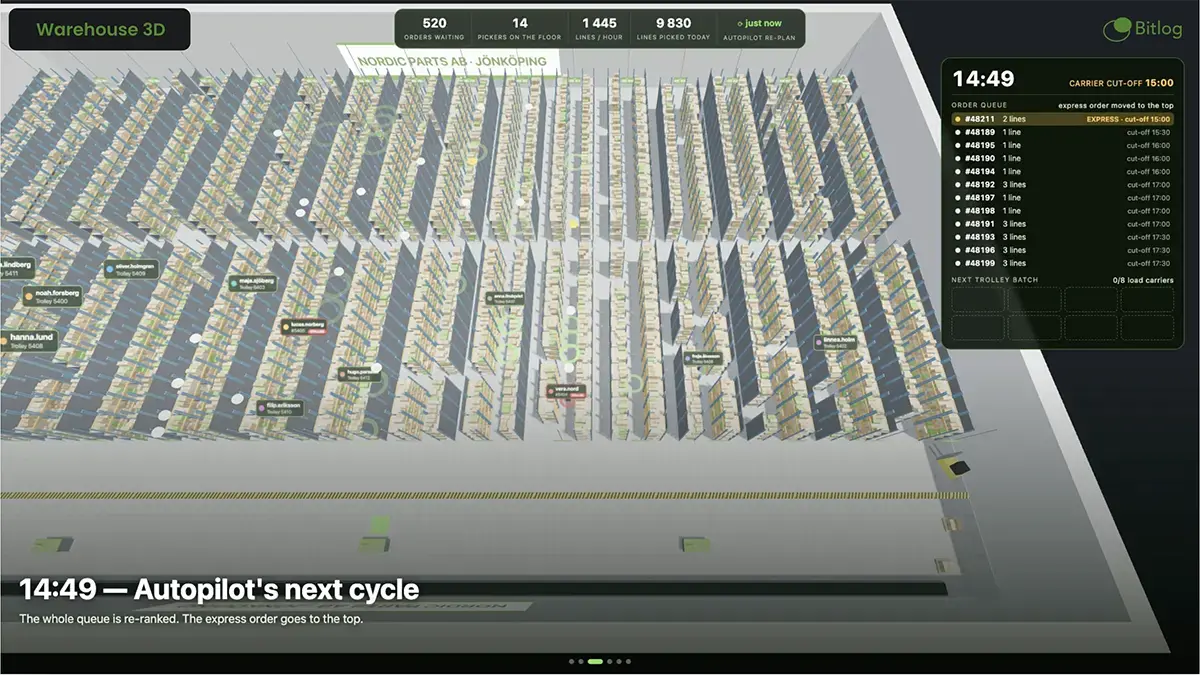
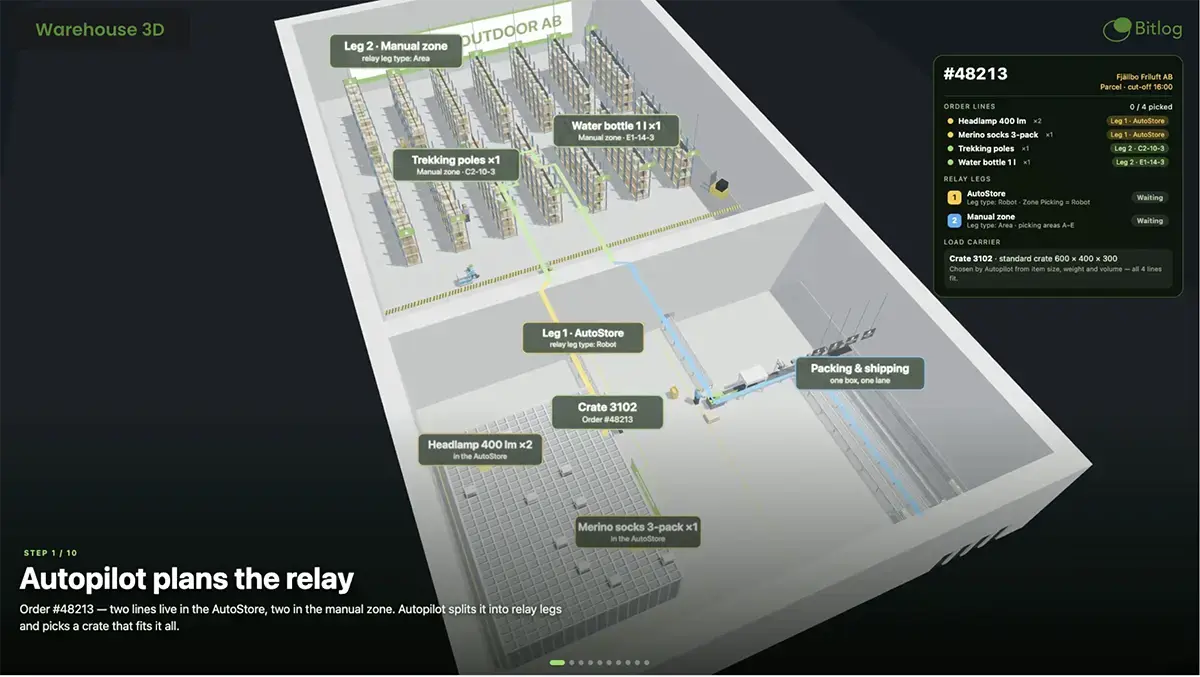
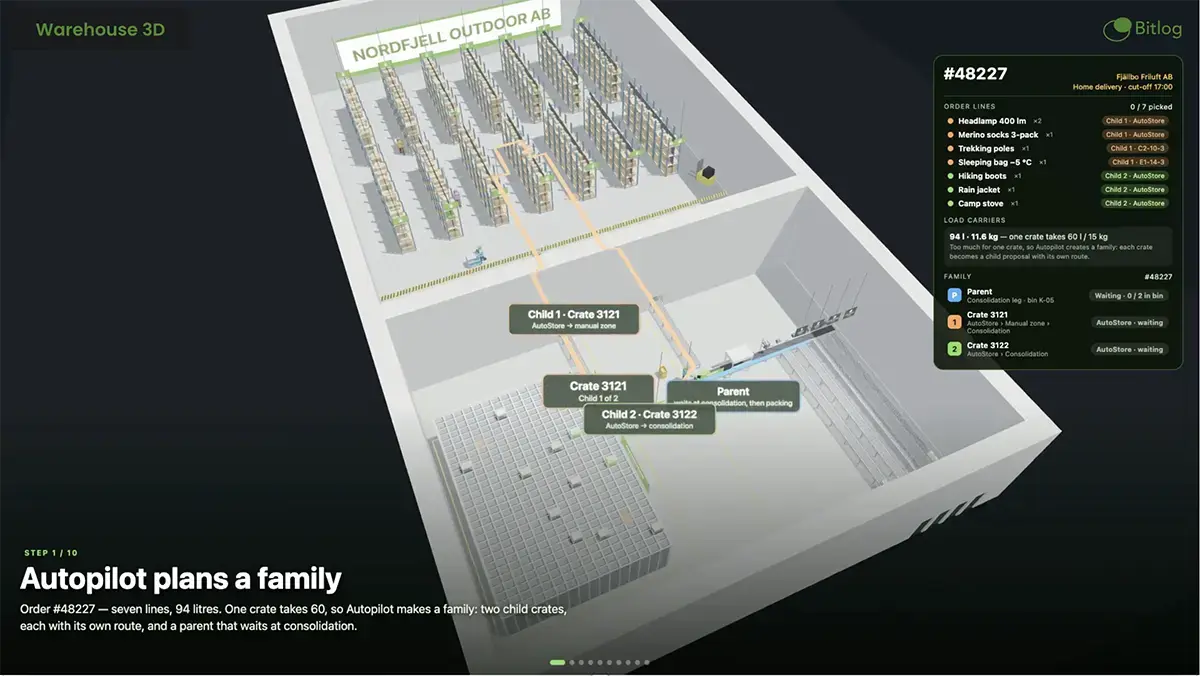
Open PDF arrow_forwardAutopilot is the warehouse planning software inside Bitlog WMS, and it's the planning engine that runs your floor.
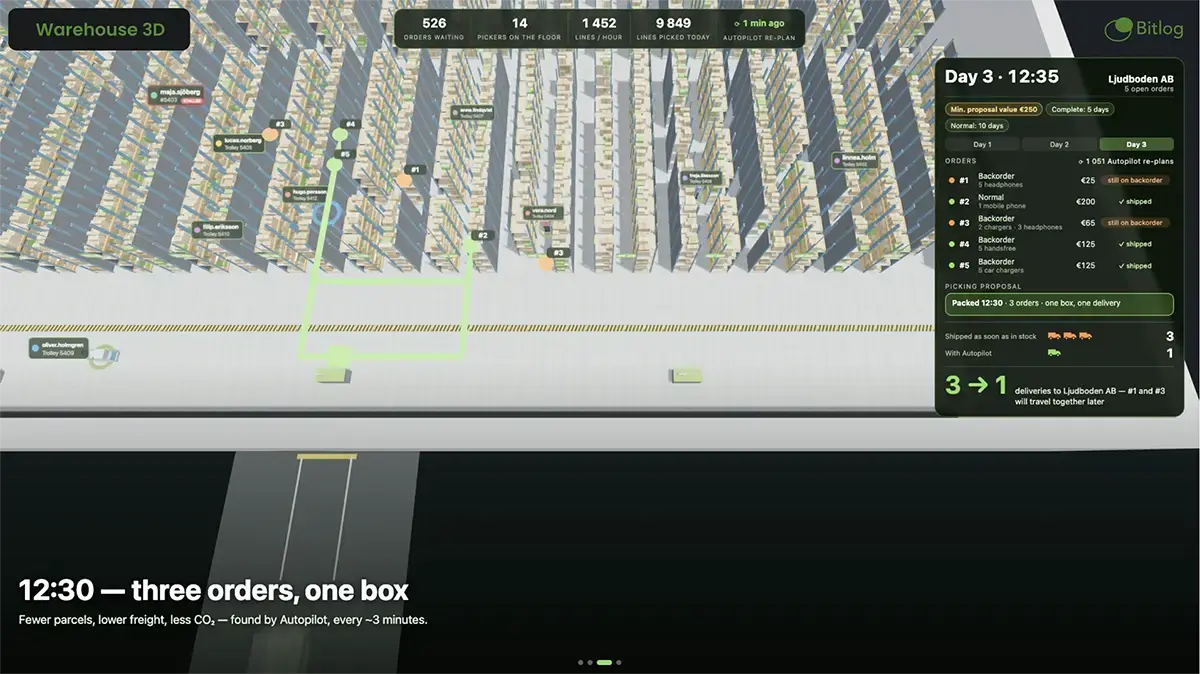
Watch video arrow_forwardBitlog's Autopilot automatically combines multiple orders from the same customer into a single shipment.
Watch video arrow_forwardOperations Live gives you a live, minute-by-minute picture of the floor, next to a dashboard you build for how you actually work.
Watch video arrow_forwardThe multi-stage order picking method in Bitlog WMS that combines automated systems (such as AutoStore) with manual warehouse zones in a single, coordinated flow.
Watch video arrow_forwardLet you pick items independently across different warehouse zones when a customer's order has products located in multiple separate areas.
Watch video arrow_forward