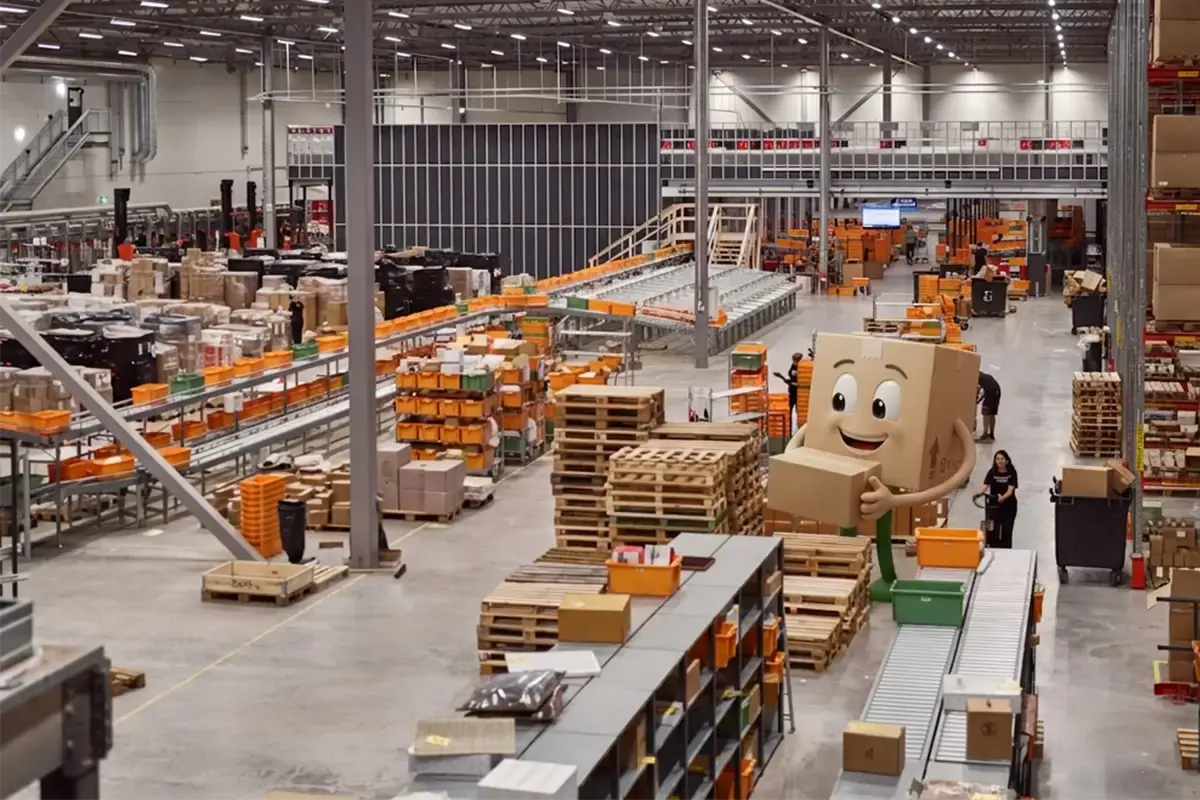
Receiving and returns
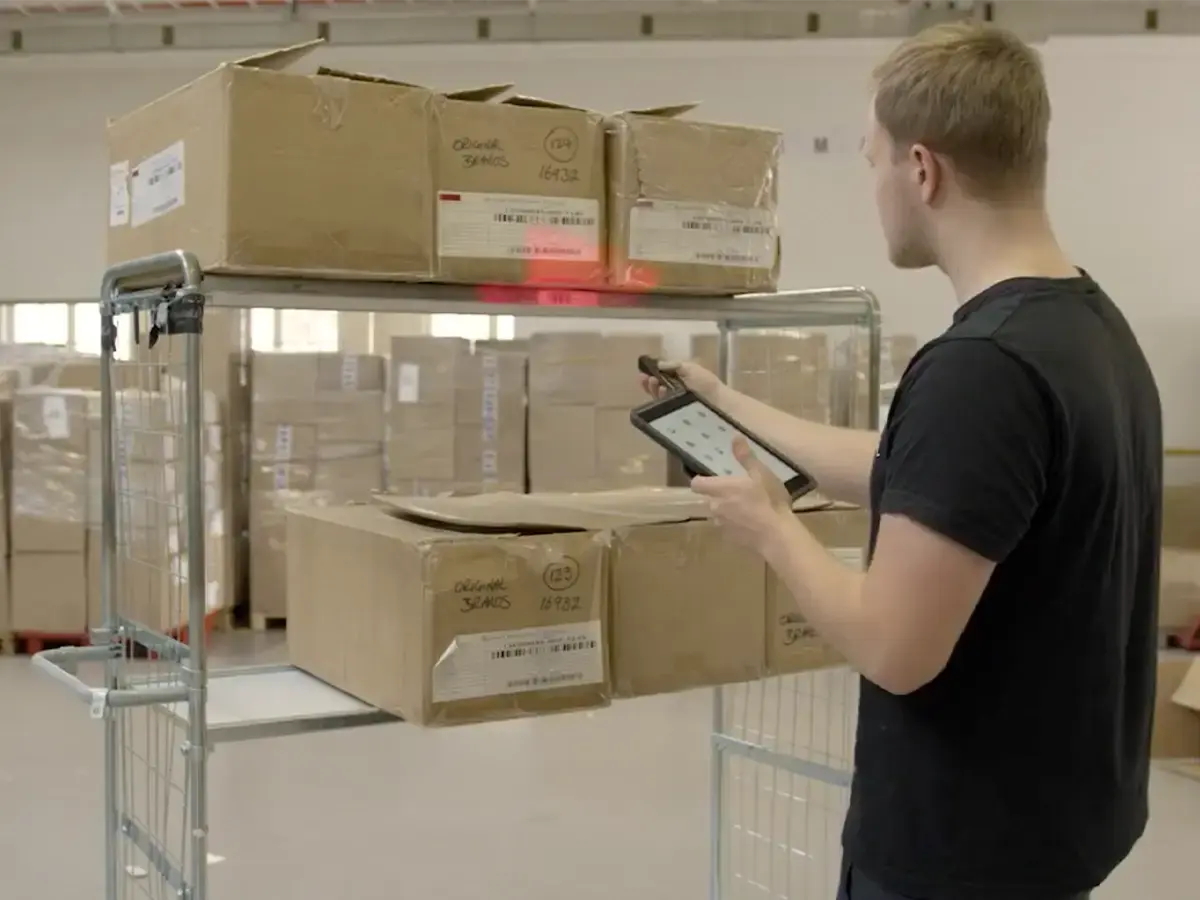
Receive against a purchase order or without one, handle customer returns with a reason code, open container details at the dock, or cross-dock goods straight onto an outbound pick without putting them away at all.
Learn moreReceiving, picking, put-away and stocktakes, on the phone or scanner already in your team's hand. The day is planned before anyone logs in. They just follow it.
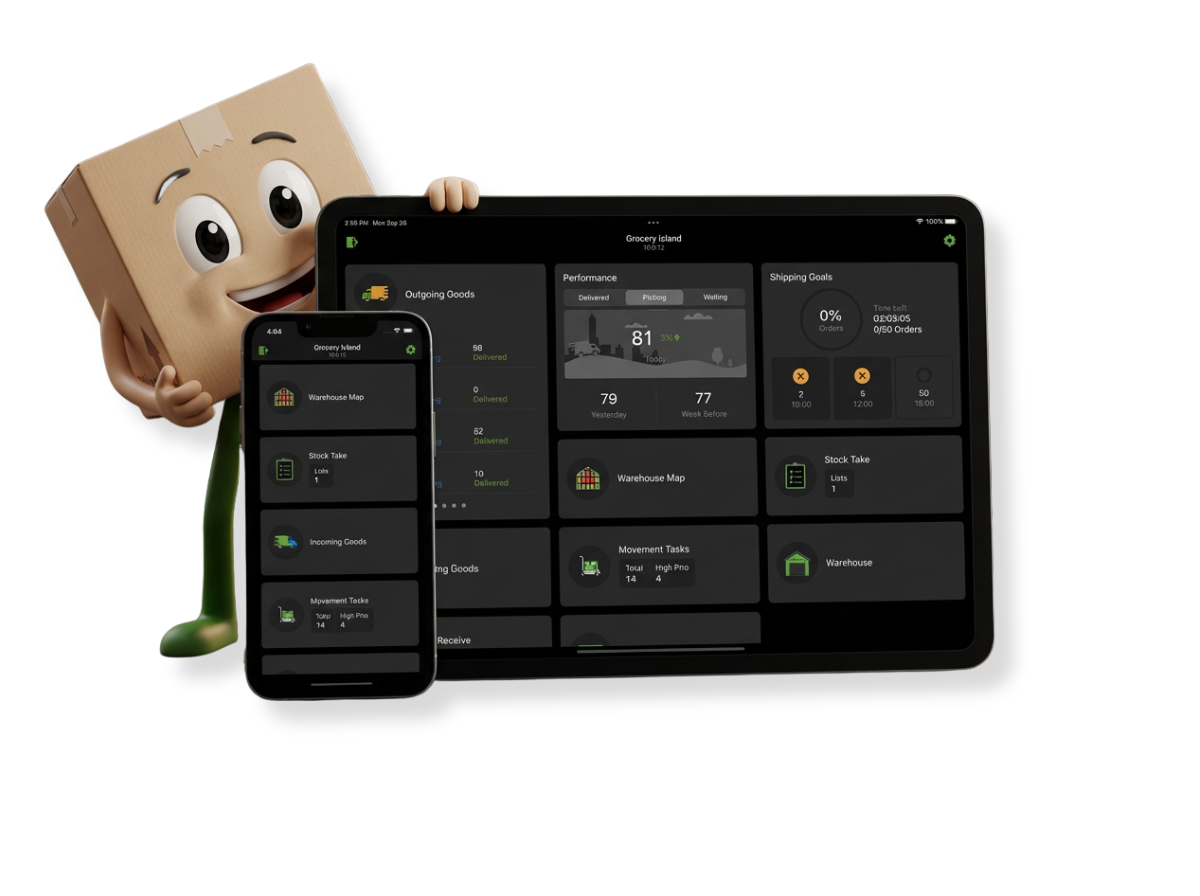
A warehouse mobile app is the handheld tool your floor works in all day, on a phone or a scanner: it turns each order into a guided task, checks every scan against the plan, and syncs the result straight back to your ERP. The Bitlog warehouse mobile app does that for receiving, picking, put-away and stocktakes, on iOS and Android.
What sets it apart is what happens before anyone touches a device. Autopilot has already planned the day around today's cut-offs, so pickers don't decide what's urgent. They open the app, and the next right task is already there.
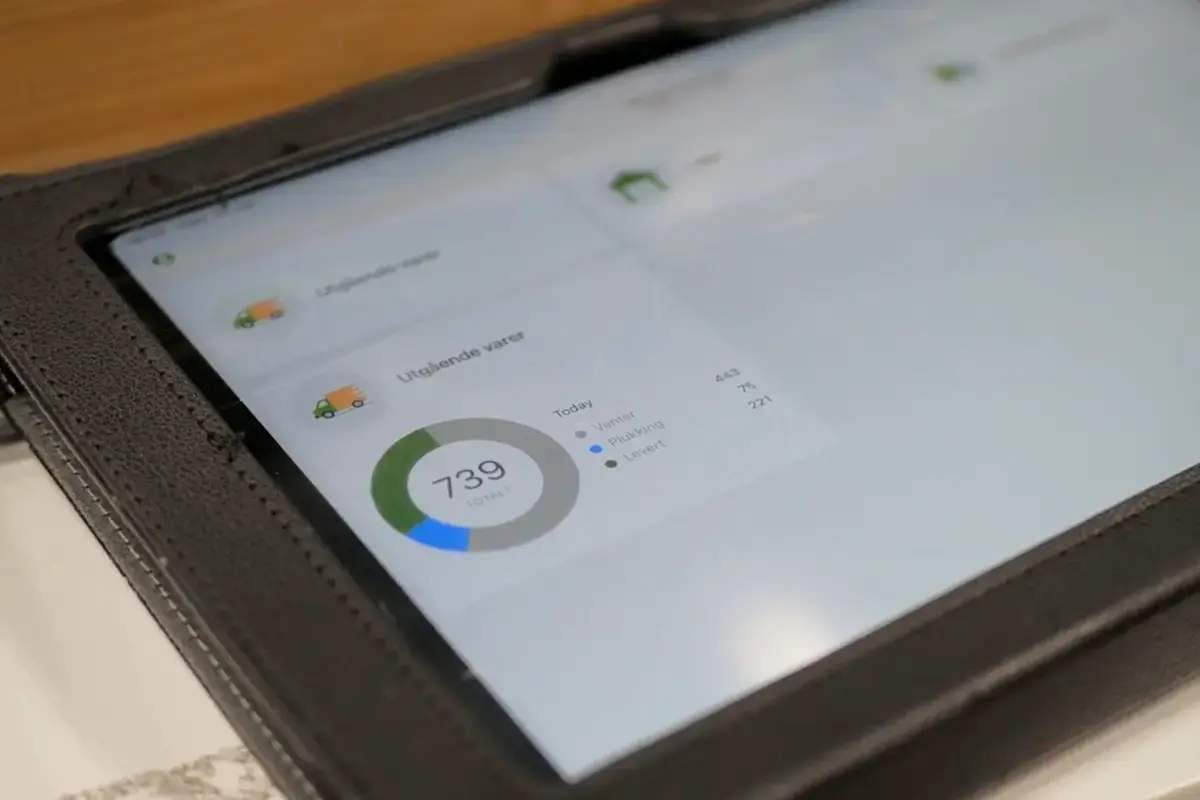
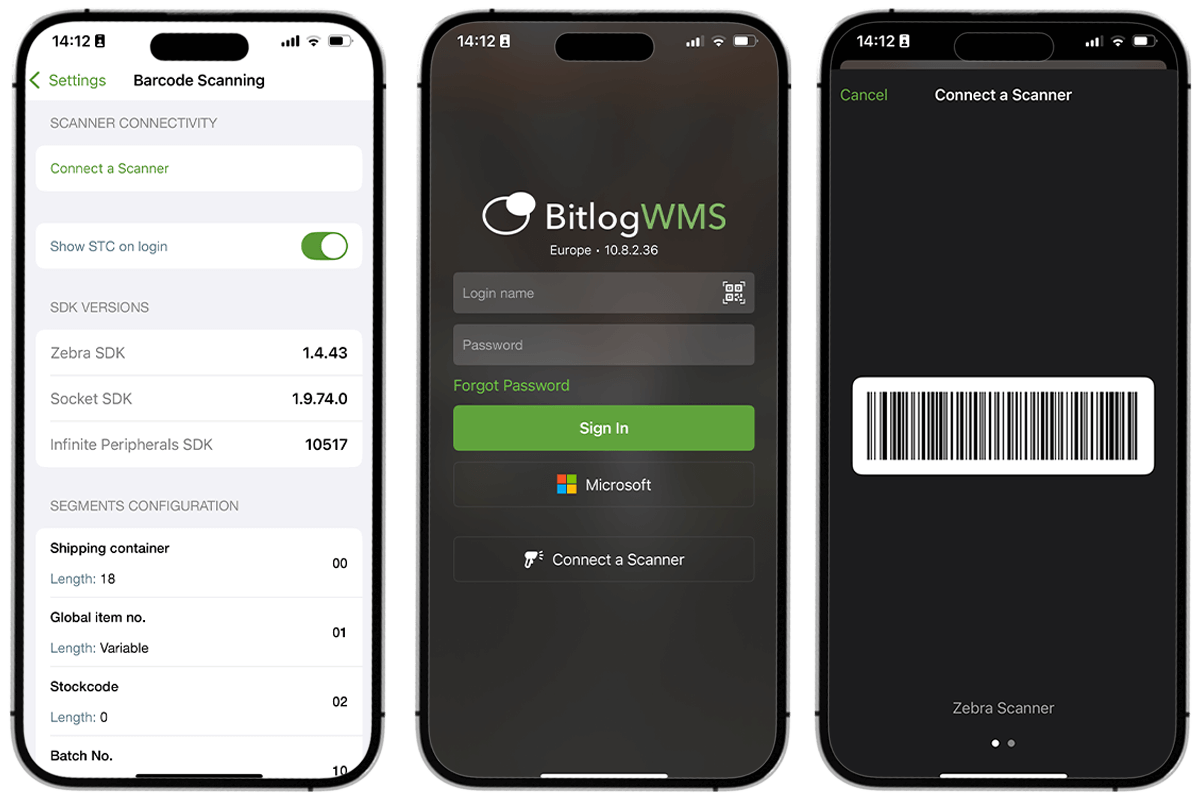
Everyone who touches goods. Pickers walking the aisles, receivers at the inbound dock, staff moving stock to the pick faces, shift leads keeping the floor moving. They all work in the same app, on the device already in their hand: an iPhone, an iPad, or an Android scanner from Zebra or Datalogic.
For the warehouse manager, that means one tool to train on, one place errors get caught at the source, and a floor that stays productive when a new hire or a peak-season temp walks in.
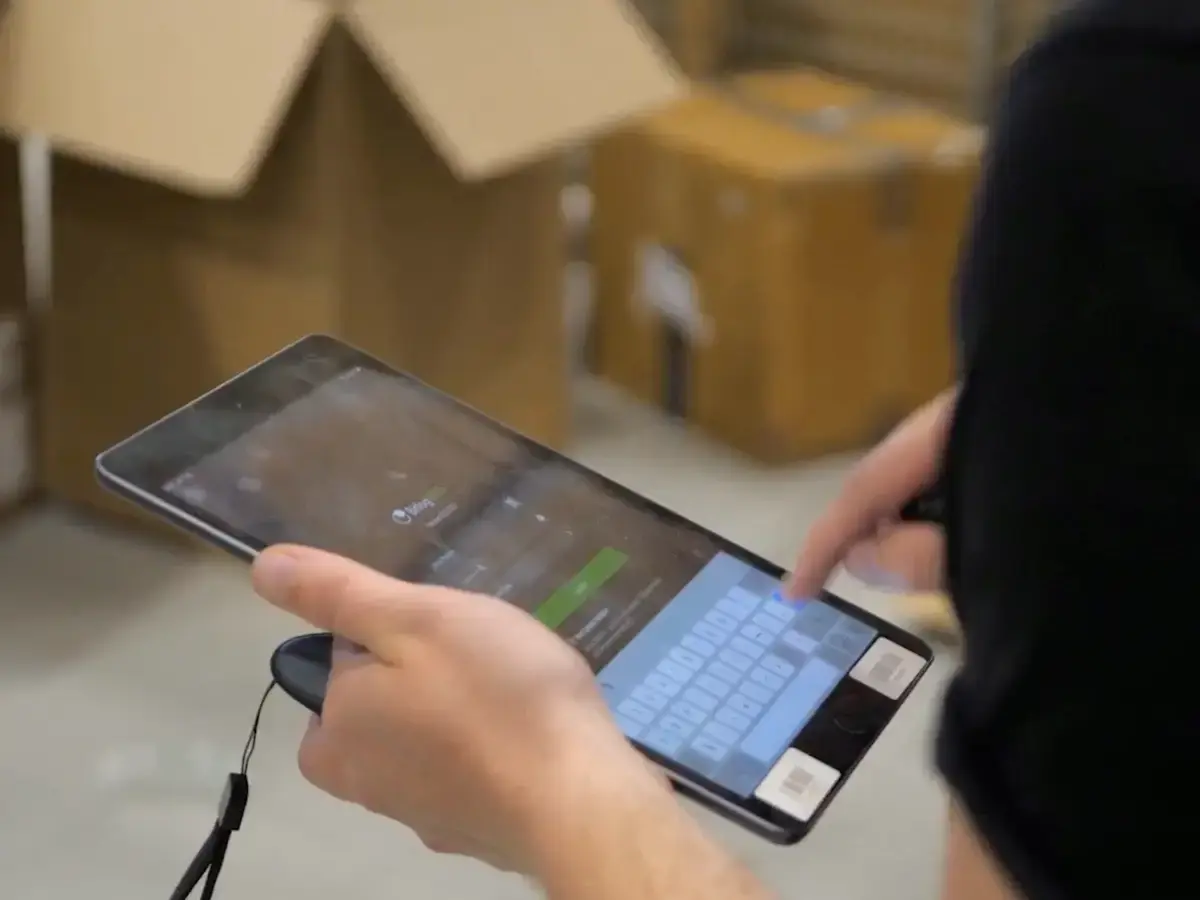
Every core job runs in the same app, so nobody switches tools to get through a shift.
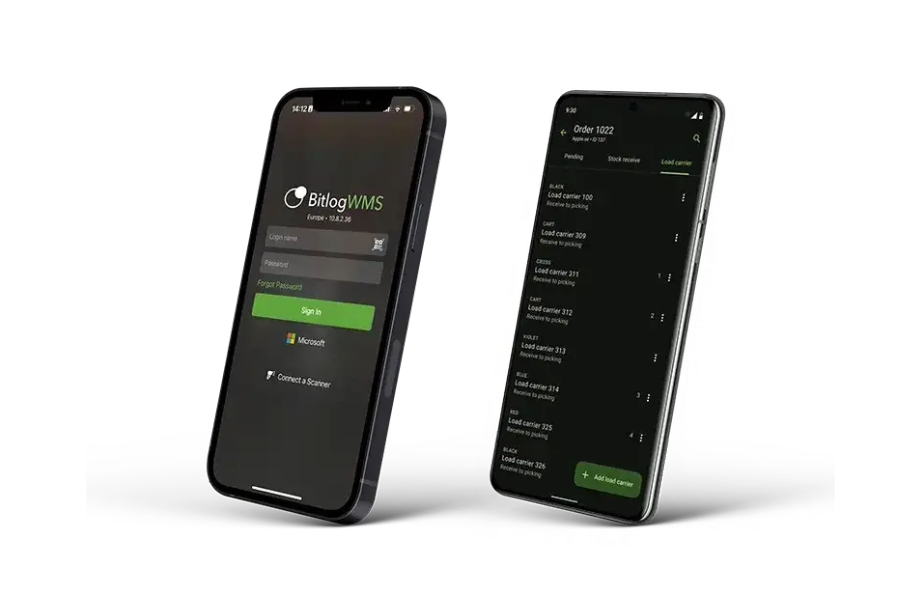
Receive against a purchase order or without one, handle customer returns with a reason code, open container details at the dock, or cross-dock goods straight onto an outbound pick without putting them away at all.
Learn moreNormal picking for high-value or complex orders. Single-item and trolley batch picking for volume. Batch box for packing while you pick. Relay Picking across zones. The app handles serial numbers and pallets too, so an Android-only site can run the whole outbound flow. Batch many orders in one pass through the warehouse (Tammer batch-picks up to 24 at once, up from one order at a time).
Get picking guide PDFWhen a pick face runs low, Autopilot creates the movement task automatically, or a supervisor adds one by hand. Either way it lands in the app as the next thing to do, so stock is in position before the picker needs it.
Learn moreCount on the device as you go, so a difference shows up the same day instead of at the year-end count.
Learn more
“It's incredibly easy for us to train new colleagues and get them operational.”

Yes. Receiving, picking including batch, returns, serial numbers and pallet handling all run the same way on both, so a mixed fleet of iPhones, iPads and Android scanners works from one set of flows.
The whole day's work: receiving and returns, every picking method, put-away and replenishment, and stocktakes. The app is the execution layer for the floor, while the office works in the web app.
Yes. Every receipt and confirmed pick syncs straight back to your ERP, which stays your system of record. Bitlog runs the warehouse; your ERP keeps the books.
About 15 minutes. Each task is one guided step, so new pickers and peak-season temps follow the flow instead of learning it first. Teams using Picking Route Optimization can go further: in the Web App, a new hire can walk a real pick route in 3D on the warehouse map, learning the aisles from the picker's own perspective before they set foot on the floor.
Yes. Relay Picking hands one order across manual areas and goods-to-person robots in a single flow, picked into the same box, all from the same app.