At peak, pick locations empty faster than anyone fills them. Every empty location means a picker waits, walks to overstock or skips the order line.
The fix is to plan restocking the way you plan picking. Set reload levels from real demand and create a restock task before a location runs empty. And time restocking so it doesn't get in the way of picking.
Why restocking breaks first
Most pick locations are sized for a normal week. At peak, your fast movers can sell three or four times as much. A location that used to last a day now needs a refill before lunch.
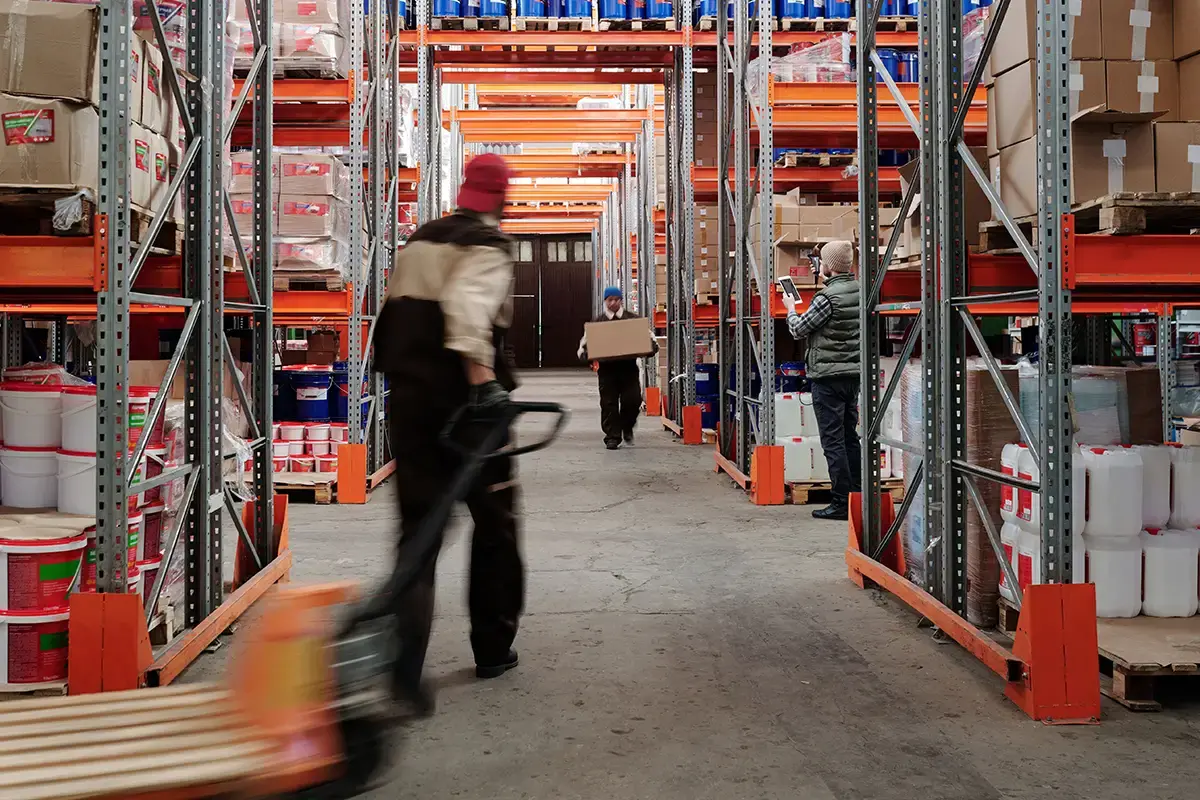
In many warehouses, restocking still happens when someone notices. Usually that someone is a picker, standing at an empty location with an order in hand. Then the reach truck comes out in the middle of the busiest picking hours. The aisle is blocked and the queue of pickers grows.
Each delay is small. However, over a full peak day, they turn into late orders, short picks and overtime.
Set reload levels and size locations for peak
Every pick location needs two numbers:
- Reload point: the stock level that triggers a refill.
- Max level: how much the location can hold.
A simple rule to follow is that the reload point should cover what you sell while the refill is on its way, plus a buffer.
Here's an example: An item sells 40 units a day normally and 160 a day at peak. A refill takes half a day. That means the reload point needs to be at least 80 units, plus a buffer. If it's still set for a normal week, the location will be empty before the refill arrives.
Check reload levels for your seasonal items a few weeks before the season starts. Use last year's peak sales, not this month's.
Sometimes the location itself is the problem. If an item needs a refill five times a day, a bigger location helps more than a faster refill.
How to prepare before peak:
- Move your top seasonal items to bigger locations close to packing.
- Move off-season items further back to free up the best spots.
- Give your very fastest movers a second pick location, so pickers don't queue at the same spot.
When the season ends, move things back. What works in December rarely works in March.

99% faster restocking at Guideline
Restocking at the Scandinavian fly-fishing brand went from about two days to about 30 minutes. That's 99% faster.
“With Bitlog WMS, we've automated restocking tasks so we can replenish items 10 days before they need to be shipped.”

Make restocking a planned task
Restocking and picking share the same aisles. So refill when few pickers are out:
- Do a full restock round before each shift, so the day starts with full locations.
- Use the quiet moments, like between pick waves or right after the main carrier cut-off.
- Refill first what the next pick wave needs. A location nobody picks from for a few hours can wait.
The goal is a reach truck never shares an aisle with a busy picker. If restocking depends on someone remembering, it will slip at peak.
Make it a task instead:
- When a location drops below its reload point, a restock task is created.
- The task is sent to a mobile device and shows which item it is, how many units, where to pick them up and where they go.
- The team lead can see open and finished tasks, so nothing gets lost between shifts.
It also makes it clear who is responsible. At peak, give each shift one named person or team who owns restocking.
How Bitlog handles restocking at peak
Here's how Bitlog WMS keeps pick locations full when it gets busy.
- Restock tasks are created for you. When stock in a pick location drops below its reload level, Bitlog creates a restock task and sends it to a mobile device. No more clipboard rounds.
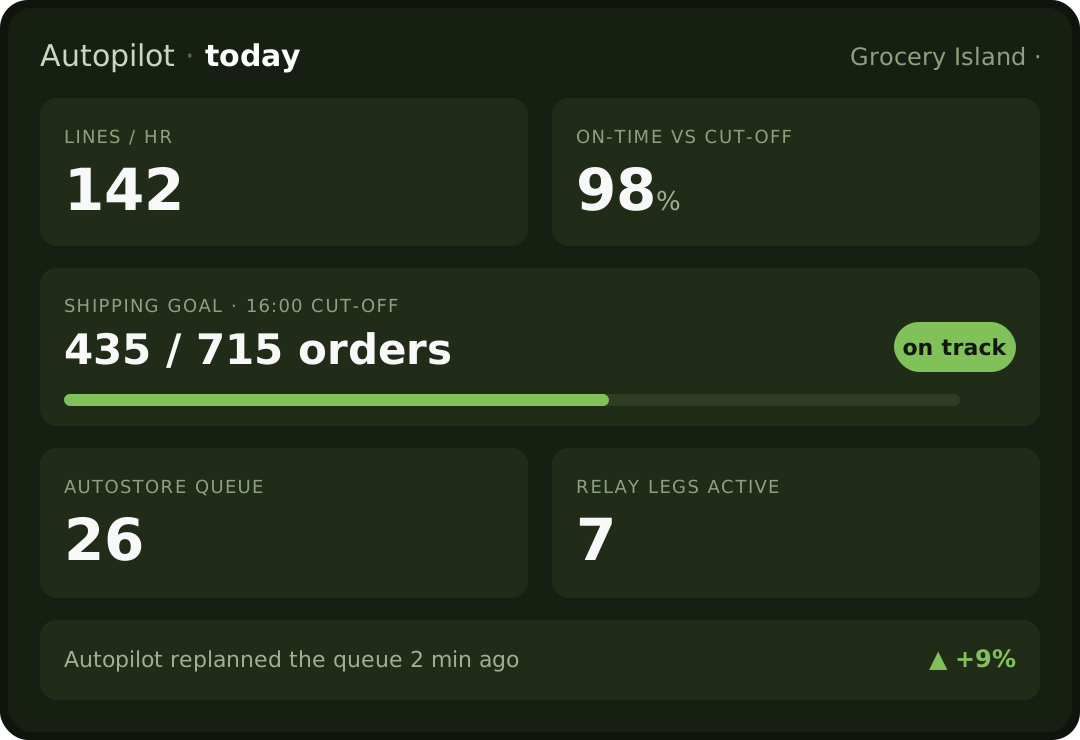
- Autopilot keeps the plan up to date. It puts orders in priority around carrier cut-offs and routes work on the floor. Every few minutes, it plans all open orders again, so the plan follows the order mix as it changes.
- Setup Advisor helps you get reload levels right. For each item, it compares the last 26 weeks of real history and any orders already booked with how the item is set up today, and suggests changes. It only gives advice. You decide what to change.
No WMS yet? Start with this checklist
You can do all of this before you change any system:
- List your top 50 seasonal items.
- Find each item's highest daily sales from last year's peak.
- Set a reload point for each one that covers refill time plus a buffer.
- Move the fastest movers to bigger locations close to packing.
- Plan a fixed restock round before each shift.
- Name one restocking owner per shift.
Even on paper, this will save you a lot of last-minute firefighting.
FAQ
What's the difference between restocking and replenishment?
Many warehouses use the two words for the same thing: moving stock from overstock into pick locations. Some use replenishment for buying from suppliers and restocking for moves inside the warehouse. Pick one meaning and use it across your team.
How often should we review reload levels?
At least before each season, and after any big change to your product range. If some locations keep running empty, check those right away.
Should we restock during picking hours?
Only when you have to. Restocking before shifts and in quiet moments keeps the aisles clear. During picking hours, refill only what the next pick wave needs.
Full shelves, moving pickers
At peak, plan restocking as carefully as you plan picking. Put your warehouse on Autopilot.