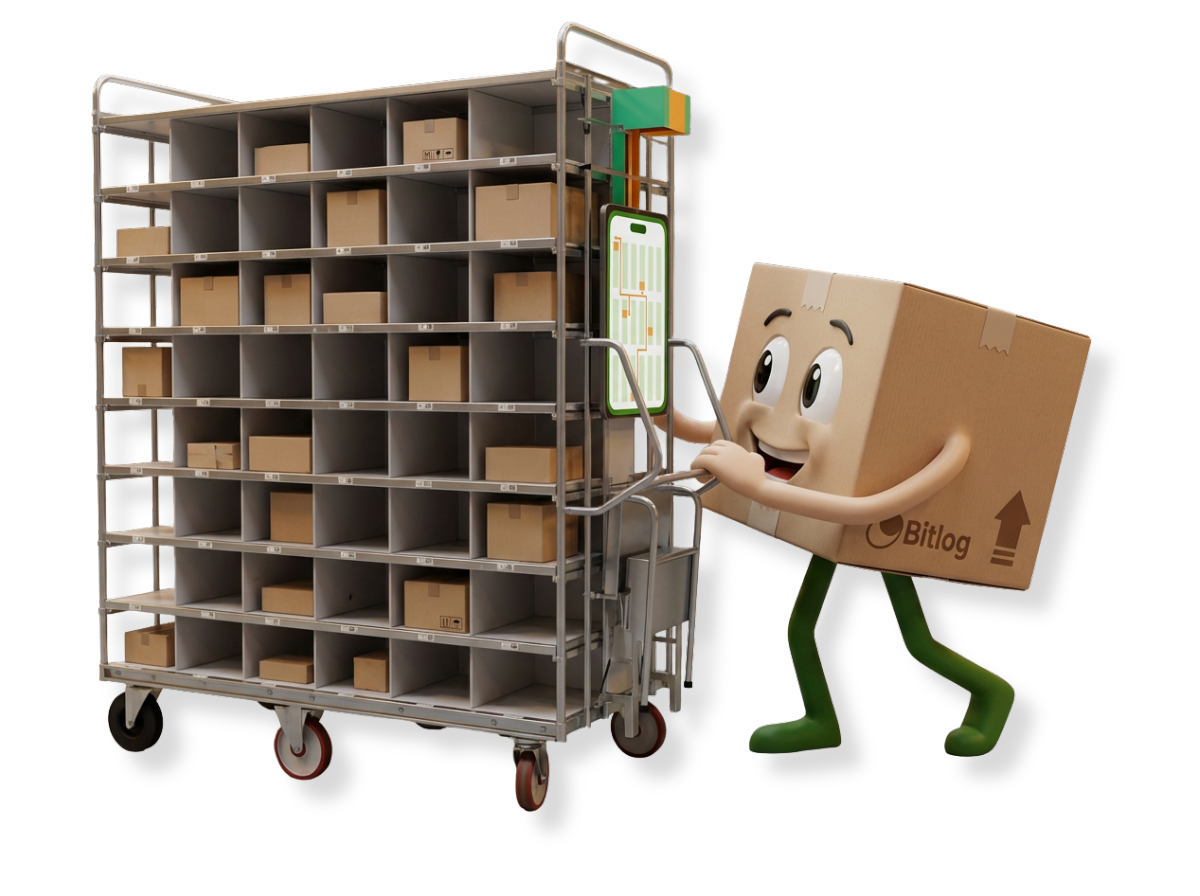
A zero stock check is a count triggered when a pick location should be empty. When a picker takes the last item, they look at the shelf and confirm whether it’s empty. If something is still there, they report it on the spot. It’s one of the easiest ways to keep inventory accurate every day, because the count happens at the simplest possible moment: when there’s nothing left to count.
How a zero stock check works on the floor
Every time a picker takes items from a location, the warehouse management system (WMS) updates the stock balance. When the balance reaches zero, the picker gets one question: is the location empty?
- Yes. The picker confirms and moves on to the next pick. That’s the whole count.
- No. The picker enters what’s actually there. Depending on your rules, the balance is corrected or a count task is created.
You don’t need a count list or a closed-off aisle. Counting an empty shelf takes no time, and the picker is already standing in front of it.
It works the other way too. If a picker finds a shelf empty when the system says there should be stock, that’s a discrepancy, and it gets recorded right away.
Why it beats waiting for the annual count
An annual count finds errors months after they happened. By then, nobody remembers what went wrong. Was it a picking mistake in March? Stock put away in the wrong location? A damaged item nobody recorded? A zero stock check finds errors soon after they happen, while you can still work out why.
For a warehouse manager, that means:
- Fewer surprises at the shelf. Pickers rarely find a location empty when the system says it holds three, so orders don’t stall.
- Problems you can fix. If the same location or item keeps failing its zero stock check, the problem is in the process, not just the count.
- Better replenishment. Replenishment runs on accurate balances, so pick locations are refilled before pickers find them empty.
- A smaller year-end count. Depending on your accounting rules and your auditor, continuous counting can reduce the annual stocktake and sometimes replace it. Talk to your auditor before you stop doing it.
Where it fits among other counting methods
Most warehouses use a mix of methods:
- Annual inventory. A full count of everything, often required for financial reporting. It’s thorough, but it usually means pausing operations, and it finds errors late.
- Cycle counting. Selected items or locations are counted on a regular schedule, for example high-value items every month. ABC analysis helps you decide which items to count most often.
- Zone or aisle counts. You count one area of the warehouse at a time.
- Spot checks. One-off counts when something looks wrong.
- Zero stock check. The count is triggered when a location should be empty, not by a schedule.
Zero stock checks work best as a background layer under the other methods. They cover fast-moving items well, because those locations empty often. Slow-moving items rarely reach zero, so they still need cycle counts.
How to get it right
These tips work whatever system you use:
- Keep one item per pick location where you can. If a location holds several items, it’s harder to say whether it’s really empty.
- Make the check part of picking, not a separate task. If it means an extra screen with three fields to fill in, people will skip it.
- Agree in advance on what happens with a discrepancy. Decide who recounts, how quickly, and who can adjust balances.
- Track failed zero stock checks by location and item for a few weeks. If they cluster, you know where to look: an unclear location label, a put-away habit, or a pack size that doesn’t match the system.
- Don’t forget slow-moving items. Schedule cycle counts for anything that rarely reaches zero.
Accurate stock helps in other places too. Optimized picking routes only work when items are where the system says they are.
You can run zero stock checks on paper by writing down when a location empties and comparing that with your stock list later. It works, but you lose most of the benefit because the comparison happens long afterward.
Zero stock check in Bitlog WMS
In Bitlog WMS, the zero stock check is built into the picking flow in the mobile app. When a pick should empty a location, the app asks the picker to confirm. If the shelf is empty, one tap and they move on to the next order line. If it isn’t, they register the discrepancy right there.
What happens next depends on the rules you set. For example, the system can create a stocktake task for the item, and you or a colleague can do it whenever it fits into the day. An empty pick location can also create a replenishment task automatically, prioritized by demand, so the shelf is refilled before the next picker needs it. Automated restocking tasks are part of how Guideline cut restocking from about two days to around 30 minutes.
Zero stock checks work alongside the other counting methods in Bitlog WMS. You can combine continuous, cycle, zone and full counts in whatever mix suits your warehouse and your auditor.
FAQ
Count when it’s easiest