Into Bitlog WMS, from Visma Business:
Sales and purchase orders (from a start date you set), articles and product groups, stock balances, customers and suppliers, your warehouses, and your custom fields, mapped across.
Bitlog WMS connects straight to the Visma Business and puts a warehouse system on top of it. Visma Business keeps the orders, stock, purchasing, and finance. Bitlog plans the day, runs the pick, and posts every result back.
Connects to Visma Business, on-premise/hosted. No upgrade needed.

Visma Business records every order, but it wasn't built to manage warehouse picking. It knows an order exists; it can't tell a picker which one to walk first, batch a dozen into one round, or route the shortest path through the racks. So teams plan routes and priorities by hand, relying on memory and printed lists.
That works, until volume grows, someone is away, or another warehouse is added. The orders are all in Visma Business. Nothing is turning them into a plan.
Visma Business is built to run the business: orders, stock, purchasing, and finance. It was never meant to run a picking floor. That's the gap Bitlog fills, sitting on top of the Visma Business you already run.
A Bitlog connector runs alongside your Visma Business, on your servers or your host's. No middleware, no cloud migration, no ERP upgrade.
Orders, articles, stock, customers, suppliers, and your warehouses sync into Bitlog, read from a start date you choose.
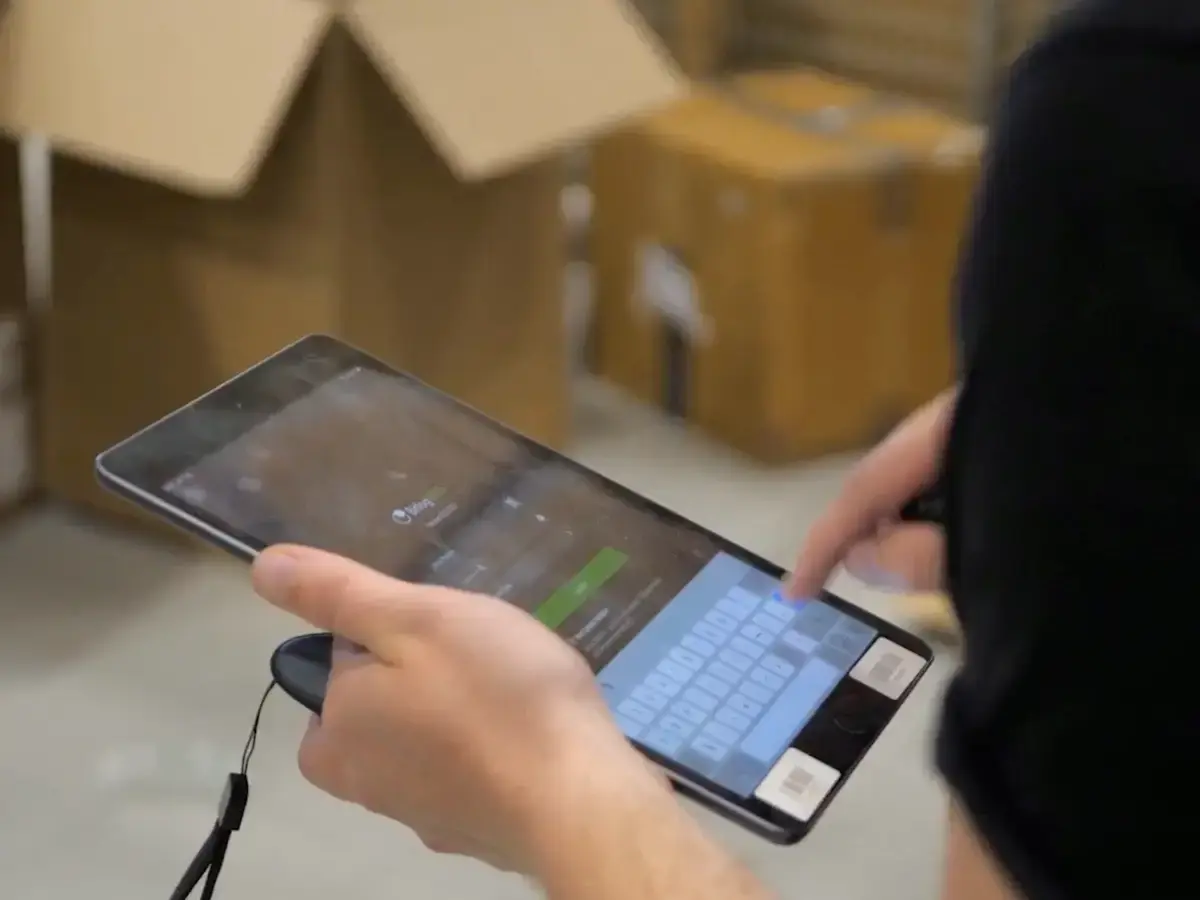
Autopilot prioritizes the day around your cut-offs, batches and routes the picking, and guides the team through the mobile app and any automation.
Shipments, goods receipts, stock corrections, and freight cost write straight back to Visma Business, and each order is marked finished as it ships.
Sales and purchase orders (from a start date you set), articles and product groups, stock balances, customers and suppliers, your warehouses, and your custom fields, mapped across.
Delivery and shipment confirmations, goods receipts against purchase orders, stock adjustments and stock takes as correction records, freight and packing cost, and order status marked finished as the order ships.
Established Visma Business warehouses rarely run one room with one unit of measure. Bitlog WMS is built for the parts that don't fit a tidy ERP screen.

Bitlog converts between how you buy, store, and sell, validated against your Visma Business unit factors, so a pack of twelve doesn't turn into twelve picks.
Kit items are picked, then finalized back into Visma Business with their component lines intact.
Freight and packing cost posts to Visma Business the way your finance team accounts for it, on the order or as a line.
Counts and adjustments flow back as the correction records your finance team already works with.
LOT numbers, serial numbers, and best-before dates ride through picking and shipping and post back to Visma Business at confirmation.
Run every site in your Visma Business setup from a single Bitlog, each order line landing at the right warehouse.
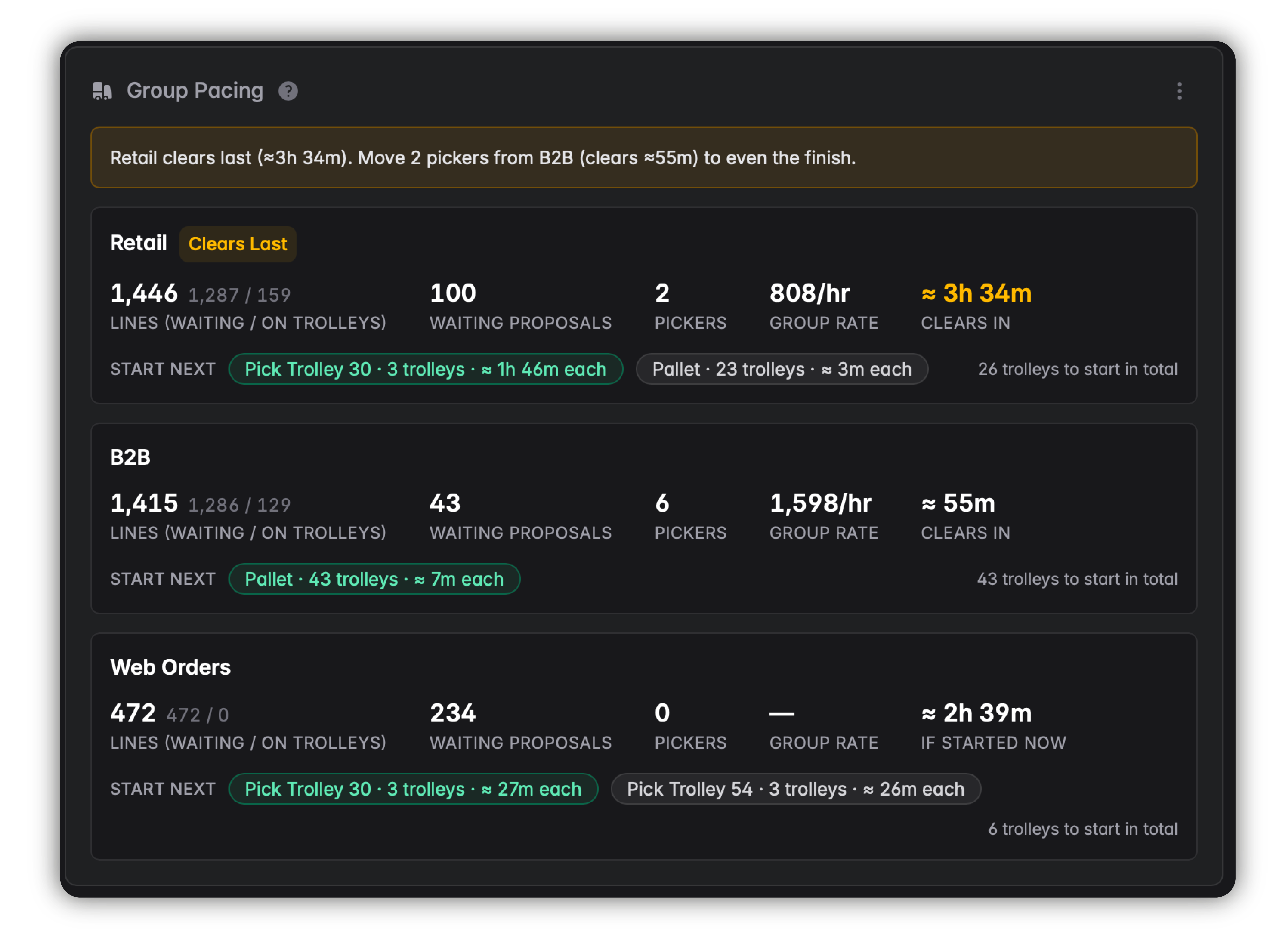
Autopilot is Bitlog’s rules-based optimization engine. It reads open Visma Business orders and continuously decides what the team should do next based on cut-off times, stock, and order volume.
It sets picking sequences, builds batches, and plans routes, then updates the plan as orders and stock change. This can cut walking time by up to 50%.
Your team stops planning the day and starts picking it.
With Bitlog WMS we're seeing a 40% increase in operational efficiency and a 25% reduction in staffing costs.
It's incredibly easy for us to train new colleagues and get them operational.
When we started working with Bitlog WMS, we set a goal of 100 order lines picked per hour within a year. We achieved that in four months.
Book a demo and we'll run Bitlog on a setup like yours, from a live Visma Business order sync through picking and packing to the status landing back in your ERP.