The WMS that picks up where Visma.net stops
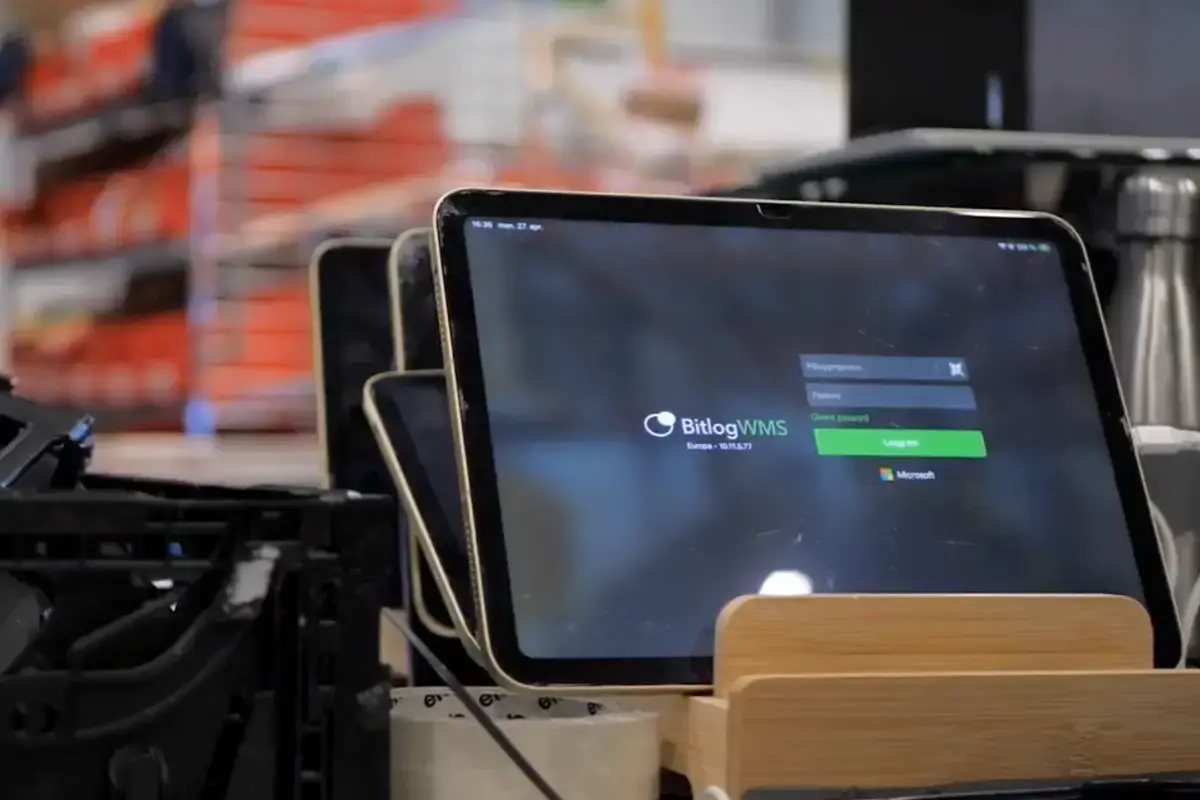
Bitlog is a dedicated WMS for Visma.net. Your ERP keeps the orders, the stock figures, and the invoicing. Bitlog runs everything between the order landing and the truck leaving: the plan, the pick, the pack, the ship.
-
check_circle
For warehouses that have outgrown Visma.net's logistics module
-
check_circle
Plans and prioritizes your orders around every cut-off
-
check_circle
Two-way sync over the Visma.net API, live all day
When Visma.net's logistics module runs out of road
Visma.net is a capable ERP, and its logistics module is fine for administering stock: what you hold, what's on order, what it's worth. The strain shows once the warehouse gets busy.
The module can tell you an order exists. It can't tell a picker which order to walk first, batch ten of them into one efficient round, or find the shortest path through the racks. So the planning falls to whoever knows the warehouse best, on paper, in their head, and every morning before the shift.

You know the signs:
Priorities live in one person's head, and stall when they're off
Pickers walk the same aisles twice because nothing routes the round
Stock reads as available in Visma.net but isn't in the correct slot
A second site means running the warehouse twice, by hand
What a WMS adds on top of your Visma.net
Visma.net administers. Bitlog executes. You don't move off your ERP; you put a warehouse system on top of it. Visma.net stays your system of record for orders, stock, purchasing, and finance.
Bitlog takes those orders and runs the floor:
-
check_circle
Autopilot plans the day and re-optimizes it every few minutes
-
check_circle
Pickers use a mobile app that routes the round and saves up to 50% of walking time
-
check_circle
Batch, zone, and relay picking, AutoStore/automation - on one flow
-
check_circle
Replenishment raised automatically from live stock
-
Everything Bitlog does writes straight back to Visma.net, so the ERP always reflects what actually shipped.
Why run Bitlog WMS with Visma.Net
Visma.net's logistics module is built to administer inventory: what you have, what's on order, what it's worth. It was never meant to run a picking floor. That's the gap Bitlog fills, sitting on top of the Visma.net data you already keep.
- Prioritizes orders around cut-offs -
- Optimizes picking routes and batches orders check_circle
- Guides pickers step by step on a mobile app (iOS and Android) cancel
- Coordinates manual zones and automation (AutoStore, relay picking) null
- Continuously re-optimizes stock, reservations, and replenishment null
- Keeps Visma.net as the system of record null
- Prioritizes orders around cut-offs -
- Optimizes picking routes and batches orders check_circle
- Guides pickers step by step on a mobile app (iOS and Android) cancel
- Coordinates manual zones and automation (AutoStore, relay picking) null
- Continuously re-optimizes stock, reservations, and replenishment null
- Keeps Visma.net as the system of record null
How the data flows between Bitlog WMS and Visma.net
Into Bitlog WMS, continuously:
Sales orders, returns, transfer orders, and national orders. Purchase orders, items and product groups. Stock balances, customers and suppliers, and the warehouses you already run in Visma.net. Even your custom Visma.net attributes can be mapped across.
Back to Visma.net, as work finishes:
Delivery and shipment confirmations, goods receipts on purchase orders, and stock adjustments, with each order's status moving to delivered once it ships.
Built for the way Visma.net warehouses actually run
Nordic warehouses on Visma.net rarely run one room with one unit of measure. Bitlog is built for the parts that don't fit a tidy admin screen.

Multiple sites, one system
Run every warehouse from Visma.net in a single Bitlog, with each order line landing at the right site.
Transfers between sites
Visma.net transfer orders flow in as work to pick and receive, so stock moving between your sites is handled like any other order.
Receiving against purchase orders
Book in deliveries against the Visma.net purchase order, and Bitlog suggests where to put the goods away.
Returns booked in cleanly
Visma.net sales returns arrive as receiving work, so goods coming back are checked in and stock corrected without a separate process.
Units that don't line up
Bitlog handles conversions between how you buy, store, and sell, so a pack of twelve doesn't become twelve picks.
Your fields, carried across
Custom attributes on items and customers in Visma.net map into Bitlog, to match the way you've set up your ERP.
Traceability of all goods
LOT numbers, serial numbers, and best-before dates ride through picking and shipping and post back to Visma.net at confirmation.
A live status on every order
Every Visma.net order shows a real-time status, from waiting to shipped, so customer service and your webshop always know where it is.
Your Visma.net orders, re-planned every few minutes
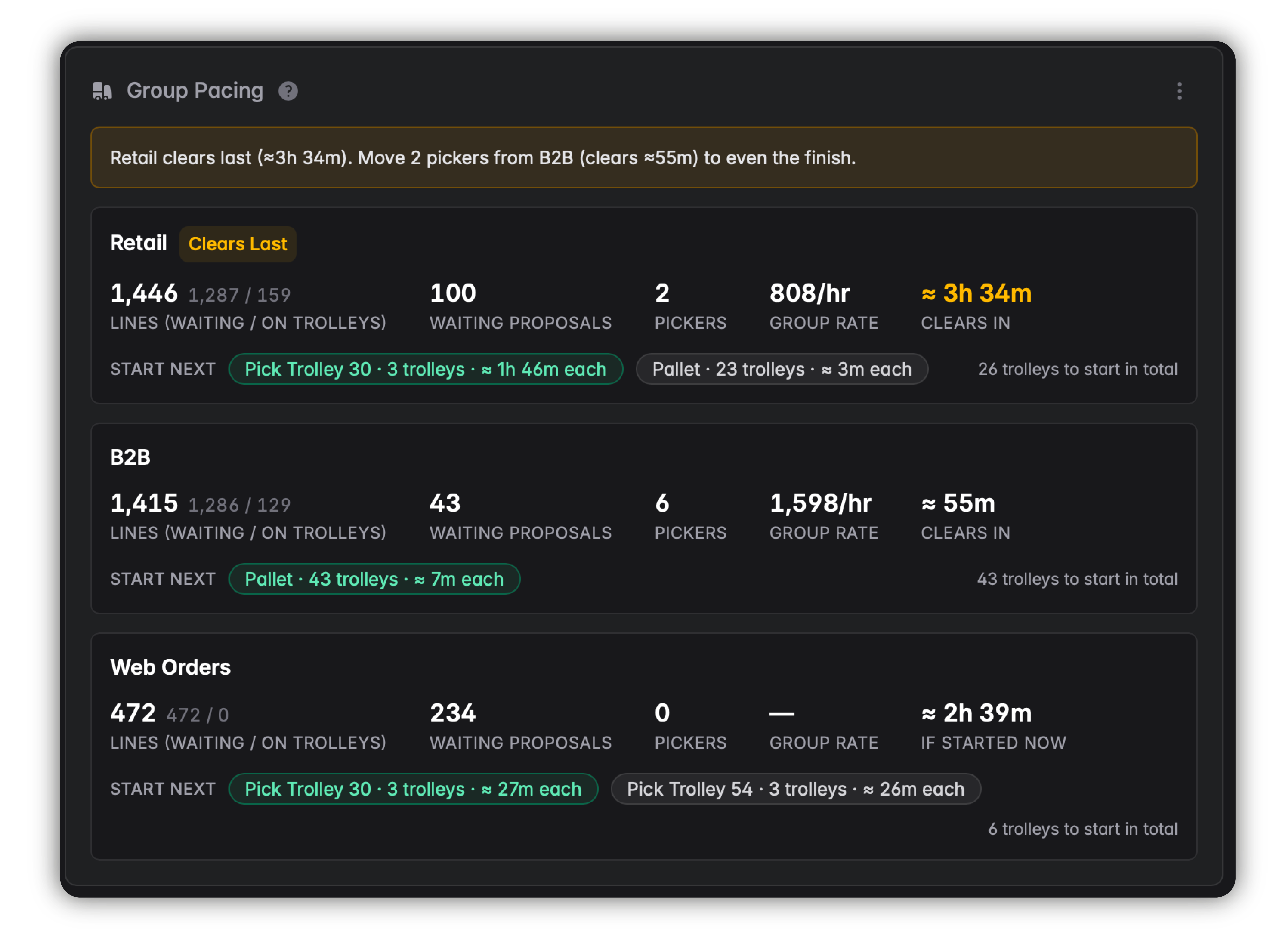
Autopilot is Bitlog's optimization engine. It's deterministic, not AI: it reads every open Visma.net order and keeps re-solving one question all day.
Based of the cut-offs, the stock, and the orders in front of you, it sets the sequence, builds the batches, routes each round, and consolidates parcels going to the same address. Then re-solves the whole backlog every few minutes as the picture changes.
Your team stops planning the day and starts picking it.
A Visma.net warehouse already running on Bitlog
Guideline makes fly-fishing gear and runs on Visma.net. Restocking used to mean someone walking the warehouse to see what was low, a job that stretched two days. With Bitlog raising replenishment from live stock, restocking is 99% faster.
"Before, someone had to walk the warehouse to check what needed restocking. That could take two days. Now we get suggestions and can restock in 30 minutes."
- Mathias Gårdlund, Supply Chain Manager, Guideline

See Bitlog on your Visma.net
Book a demo and we'll run it on a setup like yours, from a live Visma.net order sync through picking and packing to the status landing back in your ERP.