Warehouse operations • picking

Proposal Planner

Proposal Planner plans your picking around carrier cut-offs, automatically. Your team always picks what's due first, and fewer orders miss their truck.
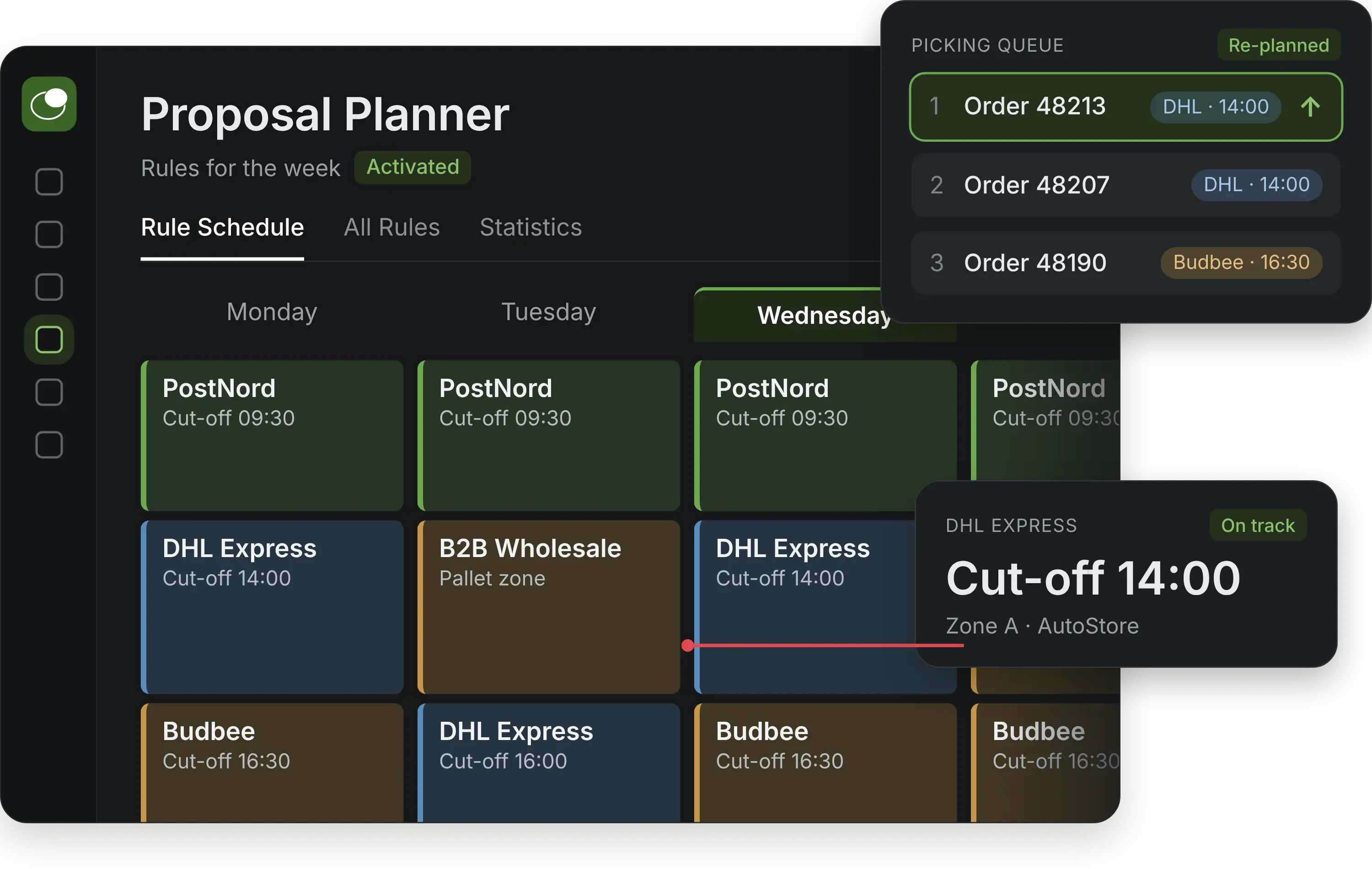
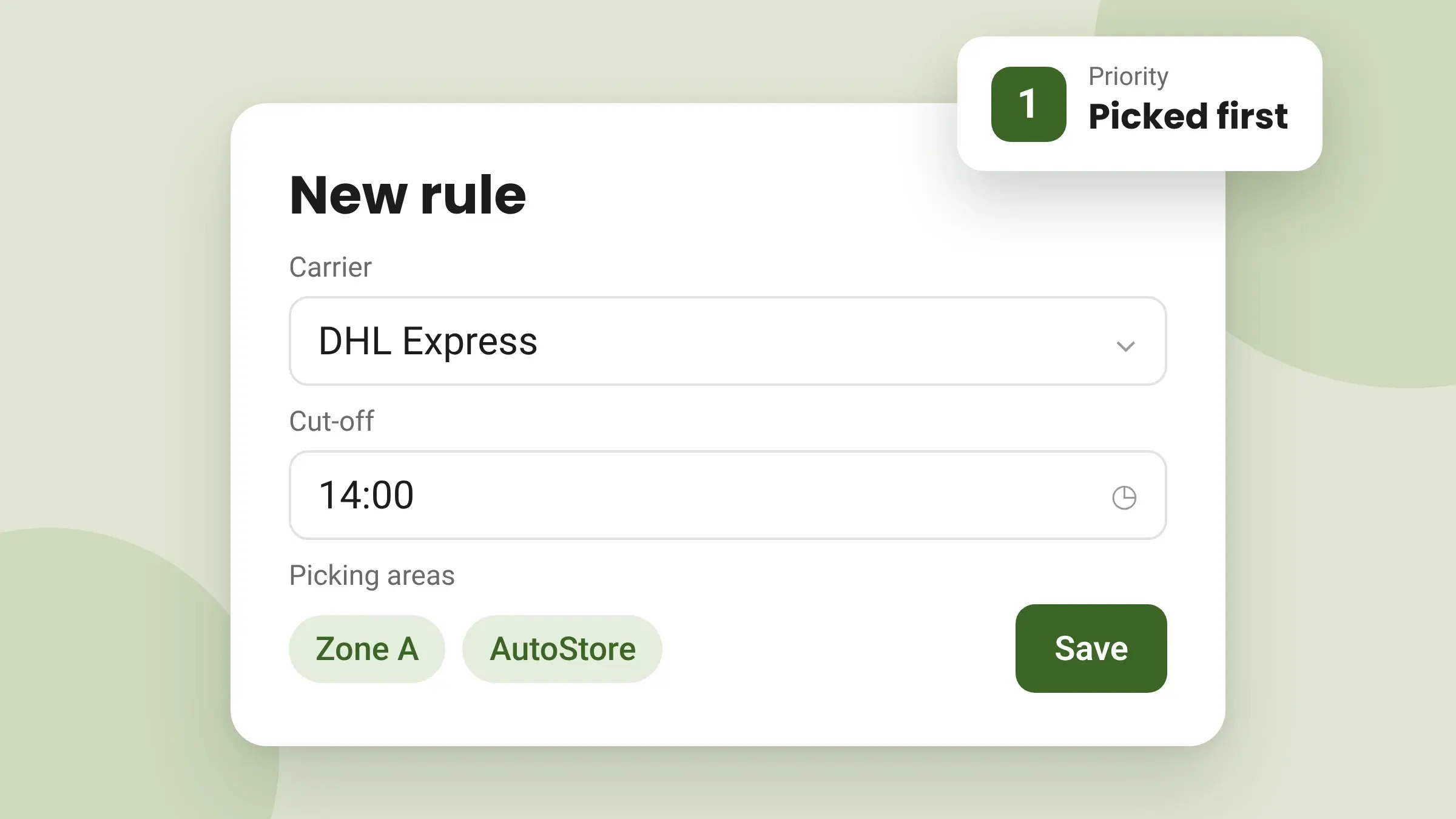
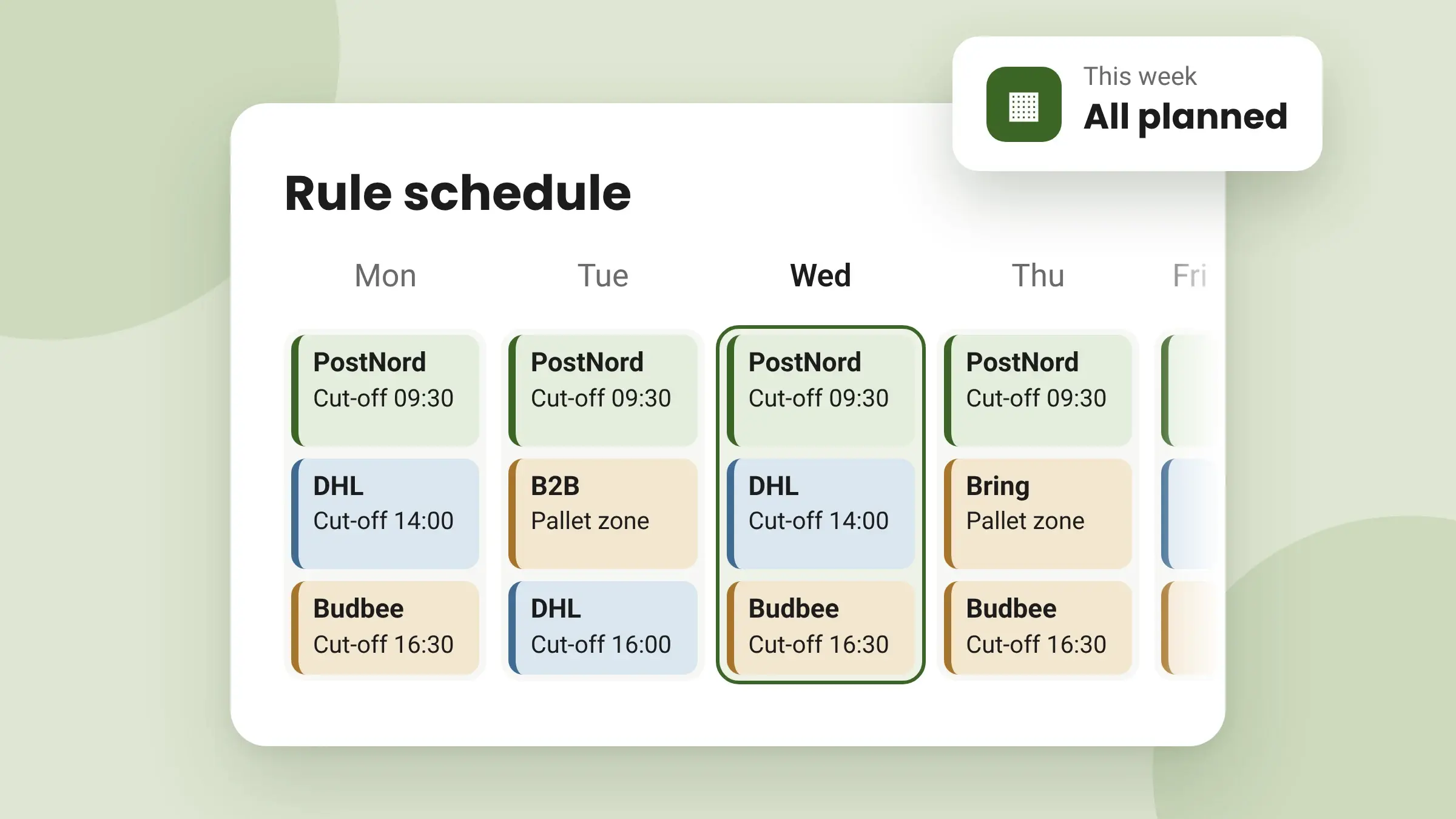
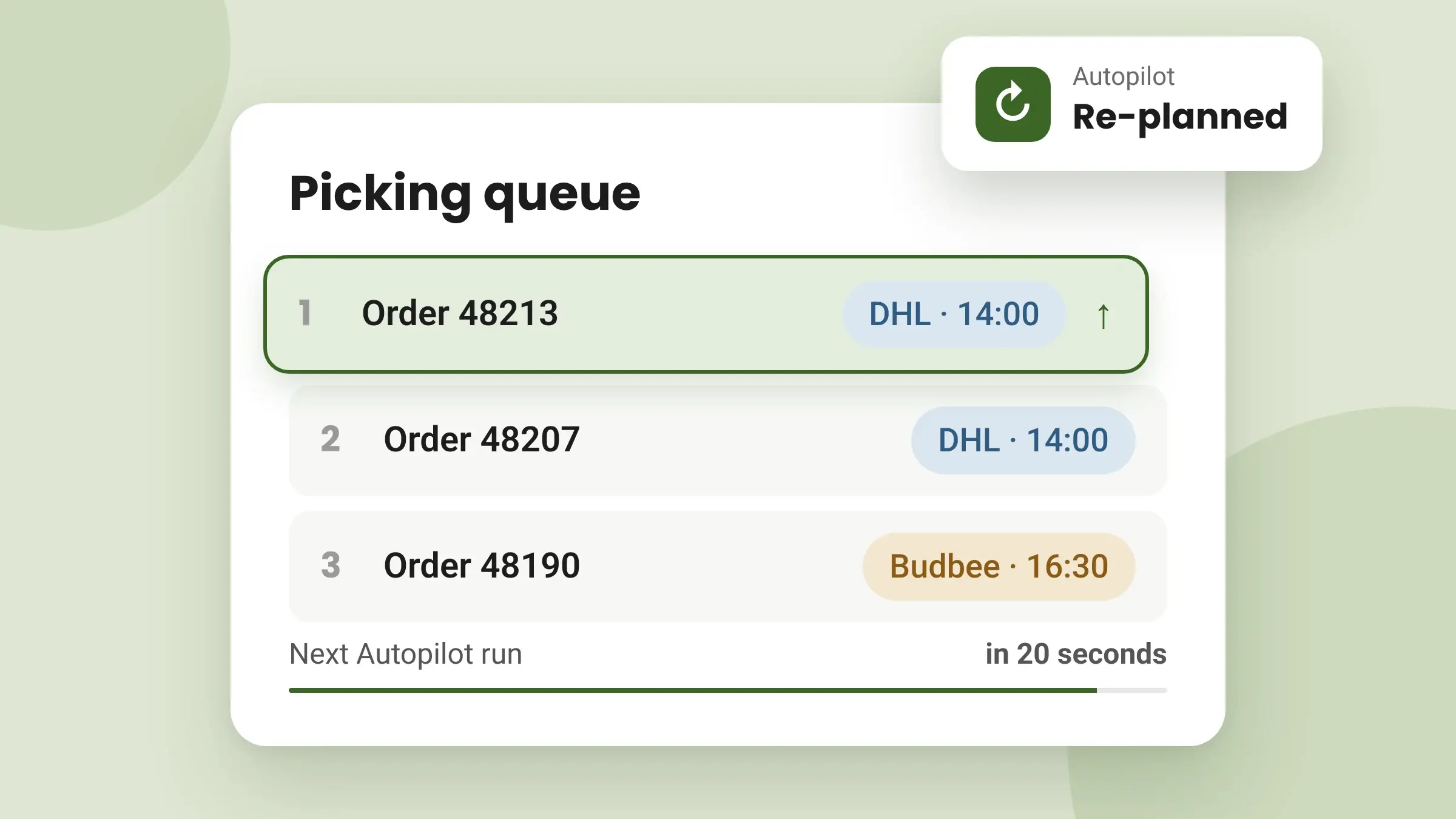
Proposal Planner in Bitlog WMS showing the weekly rule schedule, with picking rules by carrier and cut-off, a re-planned picking queue and a DHL Express cut-off on track

Built for

Warehouses that ship with several carriers and have more than one cut-off a day.

What you need

Bitlog WMS and a Proposal Planner license.

What is included

A calendar view in the Web Portal where you set rules, queues and defaults. Proposal Planner runs inside Autopilot.

what changes

Every cut-off met, without anyone watching the clock

Start every shift with the day already planned. The most urgent orders go first, queues stay full and the afternoon runs as smoothly as the morning.

Without the module
  • close

    One person decides what gets picked first.

  • close

    Urgent orders get stuck behind ones that can wait.

  • close

    Queues run dry, or flood all at once.

With Proposal Planner
  • check

    Your rules decide, on every shift.

  • check

    Orders are picked in cut-off order.

  • check

    Queues stay full, so pickers always have work.

who it's for

Who is Proposal Planner for?

The more orders you handle, the more Proposal Planner helps. And your team leads get their time back for the people on the floor.

check

Warehouse and Supply Chain Managers

More orders out before their cut-off, with the day planned for you

check

Pickers and Team Leads

The next order is always the right one.

close

Probably not the right fit if...

You have one carrier and one cut-off a day.

How it works

Your rules set the plan. Autopilot keeps it current

45%
above picking target
Proposal Planner is co-
developed with Apohem.
format_quote

We needed a way to control our picking queues. With Proposal Planner, we can pick the right order at the right time.

Therese Mella
Therese Mella Apohem
Worth a look next

Explore other Bitlog WMS modules

Insights

Operations Live

See whether picking is keeping pace with the plan, and spot stalled work early.

Web Portal
Picking

Picking Route Optimization

Proposal Planner decides what to pick. Picking Route Optimization finds the shortest path to pick it.

Route Optimization Warehouse Map
Picking

Relay Picking

Moves orders between manual zones and AutoStore in one flow.

Zone picking AutoStore
FAQ

Proposal Planner frequently asked questions

What is Proposal Planner in Bitlog WMS?

expand_more

Proposal Planner is a module in Bitlog WMS that decides which orders go to picking, and when. It prioritizes orders by carrier cut-off and other rules you set, and sends each order to the right picking queue. It runs inside Autopilot, Bitlog's planning engine.

How do I prioritize picking orders by carrier cut-off time?

expand_more

In Bitlog WMS, you do it with Proposal Planner. You set a cut-off per carrier, and Proposal Planner releases the orders that are due first. The plan updates every few minutes as new orders come in, so urgent orders don't get stuck behind ones that can wait.

Is Proposal Planner included in Bitlog WMS?

expand_more

Proposal Planner is a licensed module, so it's added to Bitlog WMS with its own license. You set it up in the Bitlog Web Portal, where rules, picking queues and defaults are in one place.

What's the difference between Proposal Planner and Autopilot?

expand_more

Autopilot is the planning engine that runs the warehouse floor in Bitlog WMS. Proposal Planner is where you tell it how to release orders: which ones go first, to which picking queue and at what time of day.

Is Proposal Planner AI?

expand_more

No. Proposal Planner follows your own rules and schedules, applied the same way every time. That makes every decision predictable, and you can always see why an order was released.

Reading about it is one thing.
Watching Proposal Planner run is another.

30 minutes with our team, built around how you work.