So you've decided your warehouse needs a new WMS. The next step shapes the whole project: working out exactly what you need, and making sure you get it.
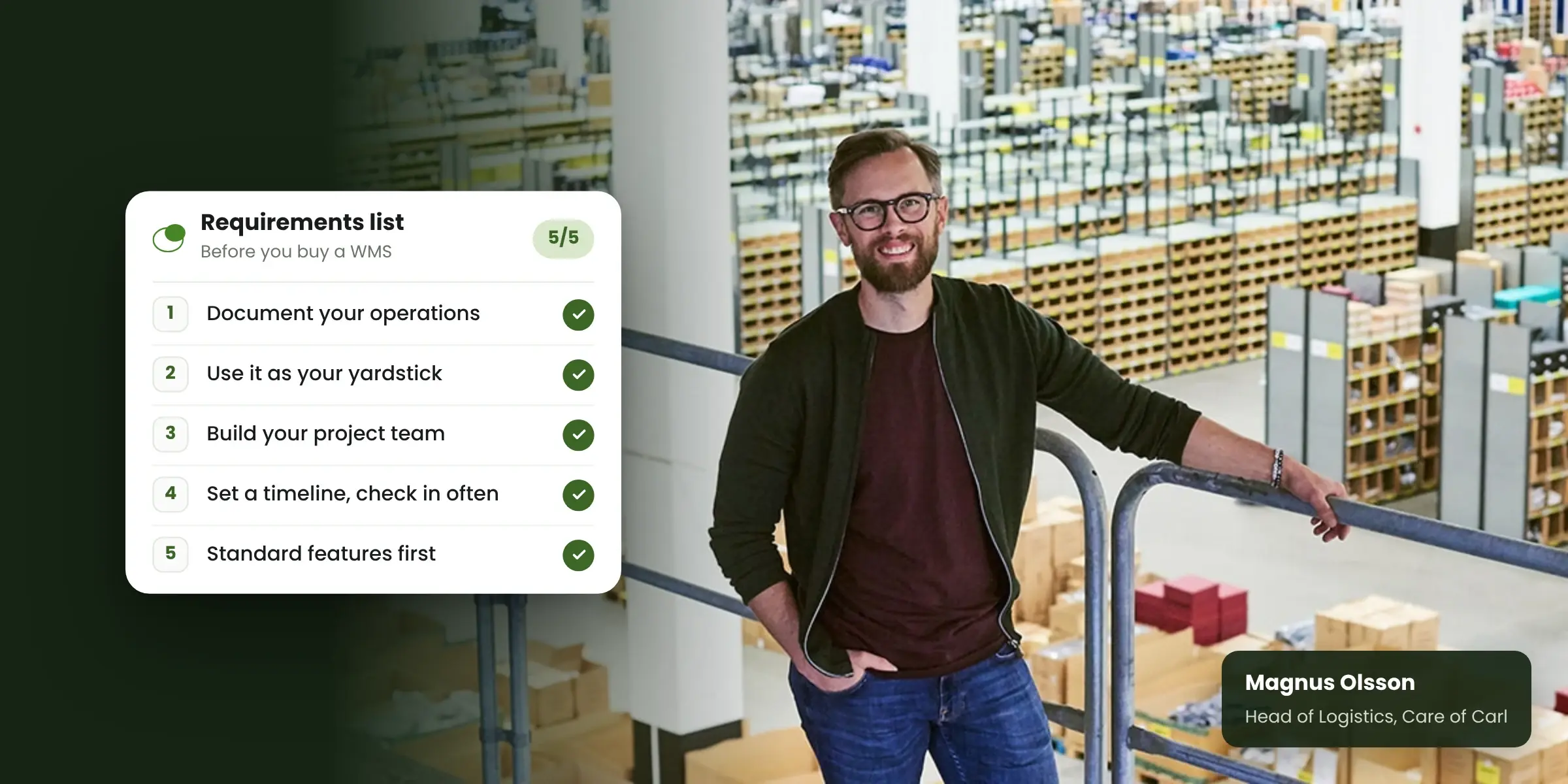
We asked Magnus Olsson, Head of Logistics at Care of Carl, what he'd tell someone at this stage. Magnus has a background as an e-commerce consultant. He has also worked with fully manual warehouses and with ones run on an ERP or a WMS. Here are his five tips.
A quick word about Care of Carl
Care of Carl is a premium menswear retailer based near Borås, Sweden. It sells online across the EU and runs stores in five countries. Before switching to Bitlog WMS, the warehouse ran on an ERP setup with printed pick lists and manual checks.
"Before implementing Bitlog, our picking process was very manual. We relied on pen and paper," says Magnus.
1. Document your operations before you talk to vendors
Start by getting a clear picture of how your warehouse works today. Map your internal processes so you can see what needs fixing and what already works well.
Then write down three things:
- The system support you need from day one
- The improvements you want down the road
- The nice-to-haves that can wait
That list becomes your roadmap for the new WMS. For Magnus, this step is the foundation for everything else. It helps you pick the right vendor, and it makes a successful implementation much more likely.
2. Use your documentation as the yardstick
A requirements document only helps if you actually use it. Bring it into every vendor conversation and compare what each one offers against it.
Once you've made your choice, it becomes the reference point for the implementation. What you agreed on is what the vendor should deliver. When it's all in writing, neither the vendor nor your own team can misread what you expect.
3. Build the right project team on your side
A WMS project needs time and people from your side, not just from the vendor. Plan your internal team before you start, and make sure they have enough hours for the project.
Give everyone a clearly defined role and clear responsibilities. When people know who owns what, fewer decisions get stuck waiting.
4. Set a timeline and check in often
Put together a detailed project plan with a timeline. Then schedule regular check-ins, both internally and with your vendor.
Regular check-ins help you spot problems and delays early, while they're still easy to fix. They also remind everyone what their part of the project is.
5. Stick to standard features first
It's tempting to shape a new system around every detail of how you work today. Magnus's advice is to hold back. Heavy customization adds work and can delay the whole project.
Get the standard system up and running first. Once your team has used it for a while, it's much easier to see which changes are worth making and which ones you can skip.
When new ideas come up during the implementation, put them in a backlog. Revisit the list once the core system is live.
How it worked out for Care of Carl
Care of Carl chose Bitlog WMS because it was quick to implement, easy for staff to learn, and a good fit for their workflows. Barcode scanning replaced the manual checks, so accuracy now comes from the system.
"Today, we can just scan the barcode on the garment, providing us with a highly efficient picking process," says Adam Söderkvist, Warehouse Manager at Care of Carl.
The results? A 40% increase in operational efficiency and a 25% reduction in staffing costs.
Planning your own project? A Bitlog implementation is about 5 weeks of actual project work, spread over 5 to 12 calendar weeks. You set the pace, so the project fits around daily operations. Good documentation (tip 1) and a clear internal team (tip 3) help keep that timeline realistic.
FAQ
What should a WMS requirements document include?
Start with your current processes and where they break down. Then list the features you need from day one, the improvements you want later, and the nice-to-haves. Use it to compare vendors and to hold the implementation to what you agreed.
How long does it take to implement a WMS?
It depends on your scope and how much time your team can give the project. With Bitlog, it's about 5 weeks of actual project work, spread over 5 to 12 calendar weeks at your pace.
Should we customize our WMS during implementation?
Keep it to a minimum. Go live on standard features first, collect new ideas in a backlog, and decide on changes once your team has used the system day to day.
Get started on the right foot
A good WMS project starts long before go-live, with a clear picture of what you need. Our buying guide walks you through the factors that matter most.