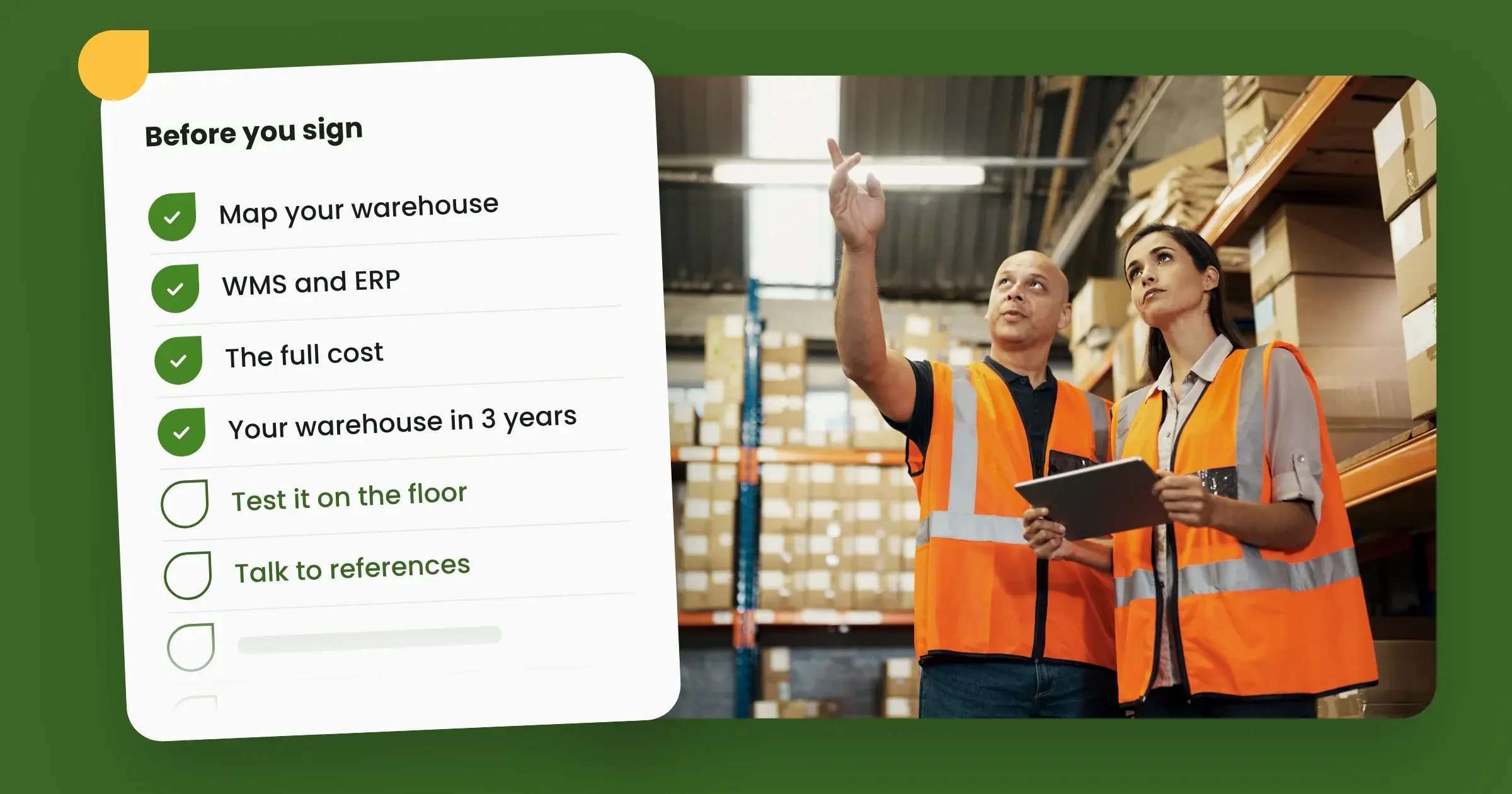
Before you buy a WMS, you need to know three things: how your warehouse works today, what the system has to handle from day one, and how it will talk to your ERP. With those answers, comparing vendors is easy. Without them, you can easily end up letting the vendor tell you what you need.
Here are eight things to sort out before you sign, in the order we usually recommend. The list works no matter which system you choose.
1. Make sure it's actually time
Not every warehouse needs a WMS. If you pick ten or so orders a day and know the warehouse by heart, your ERP's inventory module is often enough.
A few signs it's time:
- Knowledge of the warehouse lives in a few people's heads
- Picking errors and reshipments are starting to cost real money
- New hires take weeks to train
- You're racing the cut-off every afternoon instead of planning the day
2. Map your warehouse before (!) you talk to vendors
Walk through the flow from receiving to dispatch and returns. Write down what works, where things back up, and which steps are done by hand.
Then split your requirements into three lists:
- What the system must handle from day one
- Improvements you want to make down the road
- Nice-to-haves that can wait
These lists become your yardstick in every vendor meeting and the starting point for implementation.
Read more: Buying a WMS? 5 tips from Care of Carl's head of logistics
3. Decide how the WMS and ERP will split the work
Your ERP usually handles products, customers and finance. The WMS runs what happens on the warehouse floor. Decide early where to draw the line, so the same data doesn't live in two places.
Then ask how the integration with your specific ERP works. Is there a ready-made connector, or does it have to be built? Who's responsible for it when something changes?
Don't forget your other systems. Include your e-commerce platform, shipping software and any automation in your evaluation and plan.
4. Calculate the total cost, not just the license
Over time, the license is rarely the biggest cost. That's why you should calculate the total cost of ownership (TCO).
Ask each vendor for a breakdown that covers:
- Pricing model: per user, per warehouse or per order, and what's included in the base package
- Add-on modules you need now and in a couple of years
- Implementation and integration
- Hardware: mobile devices, scanners and printers
- Training and support
- Upgrades: are they included, or is every new version a project of its own?
Then compare that with what your current setup costs you in time, picking errors and missed cut-offs.
5. Choose a system for the warehouse you'll have in three years
A WMS isn't something you replace every year. Think about where your volumes are heading and whether you're planning more warehouses, new markets or automation such as AutoStore or conveyors.
Plan for peak season too. If you bring in extra staff for Black Week or the holidays, how easy is it to add and remove users? And can the system run manual zones and robots in the same order flow?
6. Let the people who'll use the system try it
A system that looks great in a demo can be clunky on the floor. Bring a picker or warehouse operator to the demo and let them try the mobile device.
Ask how long it takes until a new hire can pick on their own. That tells you how quickly you can scale up for a peak, and how vulnerable you are when someone quits.
Read more: Why a user-friendly WMS matters for your warehouse team
7. Ask about the timeline and how implementation works
Ask for a concrete plan:
- which steps are involved
- who does what
- how long it usually takes for a warehouse like yours
Also ask how much time your own team will need to put in, and whether you can run the project alongside daily operations. A WMS project takes time from your side, not just the vendor's, so put together a project team before you kick off.
8. Talk to customers like you
A reference tells you more than a sales pitch, especially one from a company with similar volumes, product range and ERP. Ask to call a warehouse manager or, even better, visit a warehouse that runs the system.
Good questions to ask a reference customer:
- What took longer than you expected?
- How quickly do you get help when you need it?
- What would you have done differently?
Not sure you want to run the evaluation yourself? An independent consultant or partner who knows several systems can help you compare.
Need to get the rest of the leadership team on board?
A WMS purchase is rarely just a warehouse decision. The CEO wants to know what it means for growth. The CFO wants to see the cost and the payback period. IT wants answers on architecture, security and integrations.
Bring them in early to avoid a last-minute no. We've collected the answers for each role on separate pages you can share:
- Bitlog WMS for CEOs: growth and the warehouse as a competitive advantage
- Bitlog WMS for CFOs: cost and payback period
- Bitlog WMS for CTOs and CIOs: architecture, security and integrations
How Bitlog WMS answers the checklist
Bitlog WMS is a cloud-based WMS for growing warehouses in the Nordics and the Netherlands. Here's a quick look at the points that usually matter most:
- ERP: ready-made integrations with Visma.net and Visma Business, among others. Bitlog also fits well into the Microsoft Business Central ecosystem.
- Implementation: about 5 weeks of work, spread over 5 to 12 calendar weeks at your pace.
- New hires: productive after about a 15-minute introduction to the mobile app.
FAQ: buying a WMS
How much does a WMS cost? It depends on the pricing model, the number of users, which modules you need and how much integration work is involved. Calculate the total cost over a few years, including implementation, hardware and upgrades, not just the monthly fee.
How long does it take to implement a WMS? It depends on the size of the warehouse, the number of integrations and how much time your team can put in. A standard cloud-based system can usually be up and running within weeks. With Bitlog WMS, it's about 5 weeks of work, spread over 5 to 12 calendar weeks.
Do I need a WMS if I already have an ERP? Not always. Your ERP's inventory module is often enough for a small warehouse with simple flows. You need a dedicated WMS when volumes grow, when more people work in the warehouse, or when you want more control over picking and put-away. The WMS then runs on top of your ERP.
What should a WMS requirements list include? Your flows from receiving to dispatch and returns, the integrations you need, and your current and expected volumes. Split the requirements into what has to work from day one, what can come later, and what's nice to have.
Cloud-based or on-premises WMS? A cloud-based WMS needs no servers of your own, and the vendor handles upgrades on an ongoing basis. An on-premises system gives you more control, but also more responsibility for running and upgrading it.
Ready for the next step?
A good WMS purchase starts with knowing what your warehouse needs. Once your checklist is done, you're ready to see how Bitlog WMS handles your flows.

Written by